AI Automation for Small Business: 7 Workflows to Automate First
Seven everyday workflows a small business can automate first, how to pick yours, what a person should still check, and how to measure the time you really save.
Start with a workflow that repeats often, has clear steps, costs little when it goes wrong, and gives you a number you can measure. Lead replies, invoice reading and weekly reports all pass those four tests. Below are seven workflows like that, and what a person should still check in each one.
Pick your first workflow with four tests
Not every task is worth automating. A good first one passes these four tests:
- It happens often. A job you do twice a year will never pay back the setup. A job you do every day will.
- The steps are clear. If two people do it in two different ways, fix the process first. A tool cannot copy a process that nobody can describe.
- A mistake is cheap. Sorting email is a good start. Paying invoices is not. Start where a wrong result costs a minute, not a customer.
- You can measure the result. You should be able to say what you counted before and what you count after.
Google's Site Reliability Engineering book has a name for this kind of work. It calls it toil: work that is manual, repetitive and automatable. It also says that if human judgment is essential to a task, there is a good chance it is not toil. That is a fair rule for a first project too. Automate the boring part and leave the judgment to people.
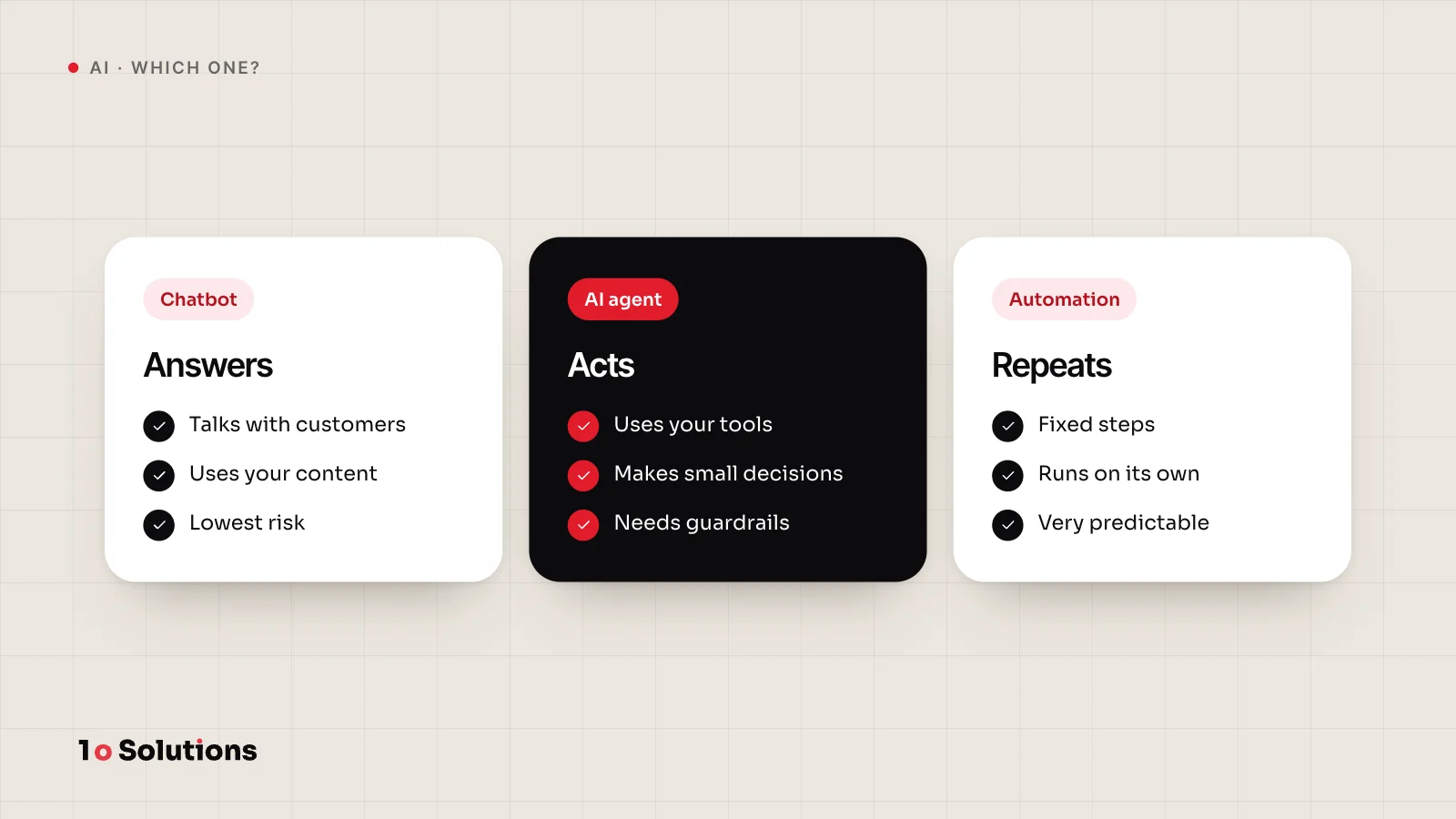
Also ask whether the job needs AI at all. If the steps are fixed, a plain rule is cheaper and easier to predict. We explain the difference in chatbot vs AI agent vs automation. Anthropic's guide to building agents gives the same advice: find the simplest solution that works, and add complexity only when you need it.
Seven workflows to automate first
Each item says what the tool does and what a person still checks.
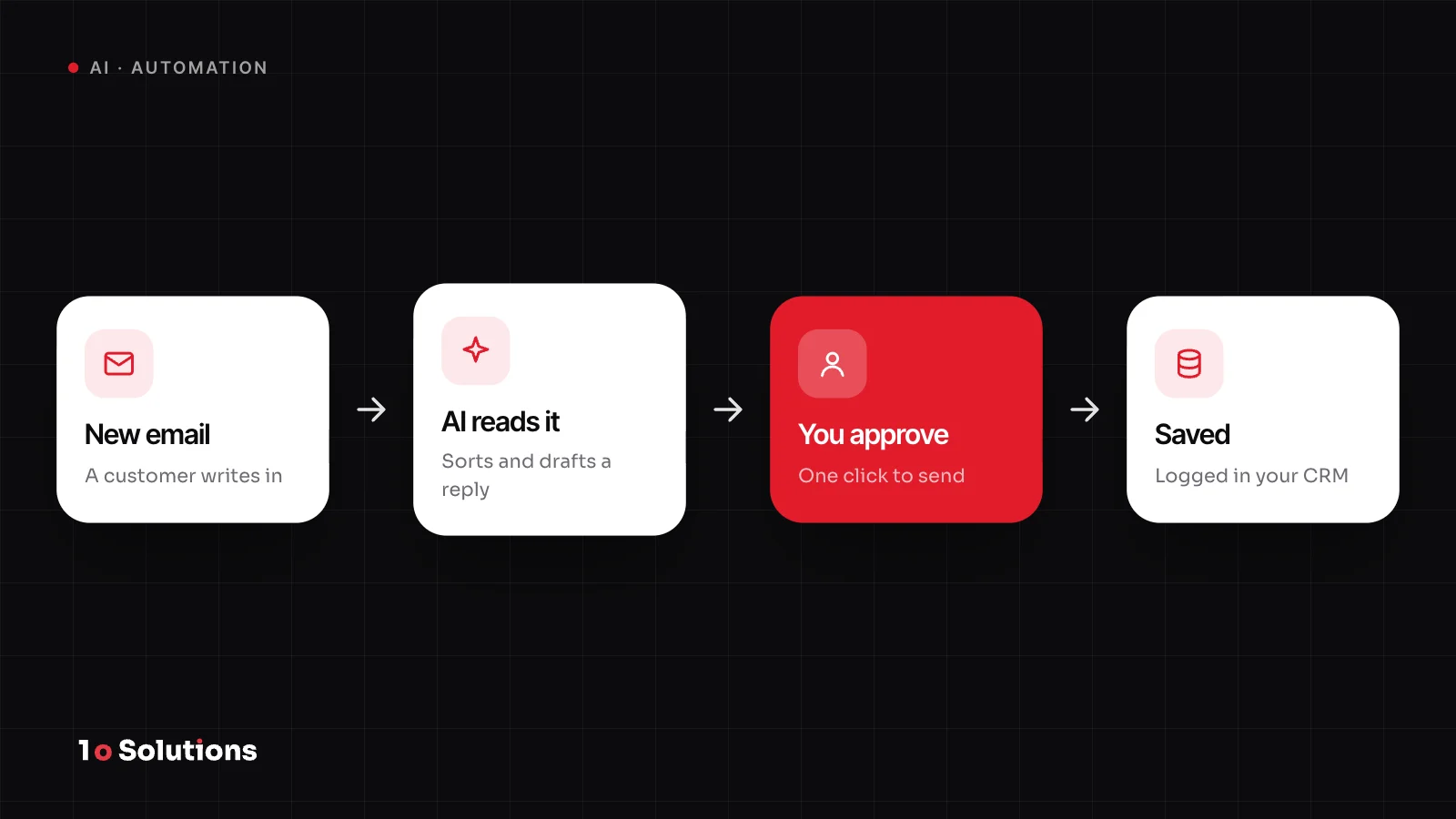
- Lead intake and follow up. A form, email or call note arrives. The tool reads it, adds the contact to your customer list (your CRM), and drafts a first reply. A person reads the draft before it goes out, at least for the first weeks, and takes over any lead that looks large or unusual. Our case study on Cynx Engage, an AI email marketing platform, shows how far this idea can grow.
- Invoice and receipt reading. The tool pulls the supplier, date, amount and tax out of a PDF or a photo and writes them into your accounting sheet. A person checks the totals and every field the tool marked as unsure. The tool never pays anything.
- Support email sorting. The tool labels each message (billing, delivery, complaint), sets a priority and drafts an answer from your own help pages. A person sends the answer. Complaints and anything about money go to a person first.
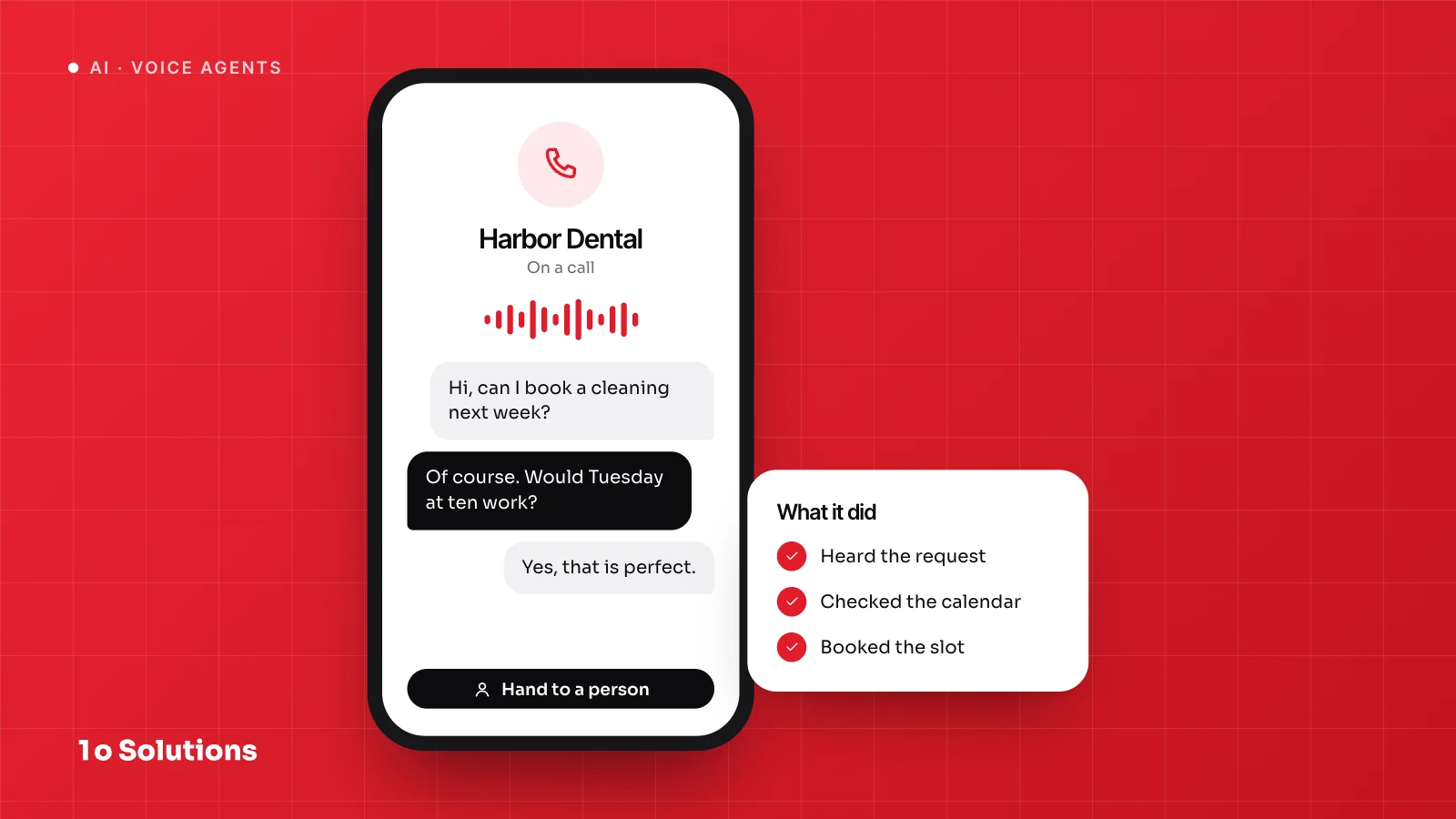
- Appointment reminders and rescheduling. The tool sends a reminder. When the customer replies "can we move it?", it offers free slots from your calendar. A person owns the calendar rules and handles odd requests, such as a change on the same day.
- Meeting notes turned into tasks. The tool turns a recording or transcript into a short summary and a list of actions, each with an owner and a date. A person checks names and dates before the tasks are created, because speech tools mishear names.
- Weekly reports. The tool pulls numbers from your tools into one report and writes a short summary. A person spot checks the numbers against the source and reads the summary, because a model can invent a reason for a change. If reporting becomes a product for your own clients, our ADash case study covers a white label reporting platform.
- Copying data between tools. When a deal closes in your CRM, the tool creates the invoice, the project folder and the welcome email. This one usually needs no AI, only rules. A person gets an alert when a step fails and checks a few records each week for duplicates.
Look at the pattern. In every case the tool does the first stretch and a person owns the result. It is the same split we describe in what AI agents can do for your business.
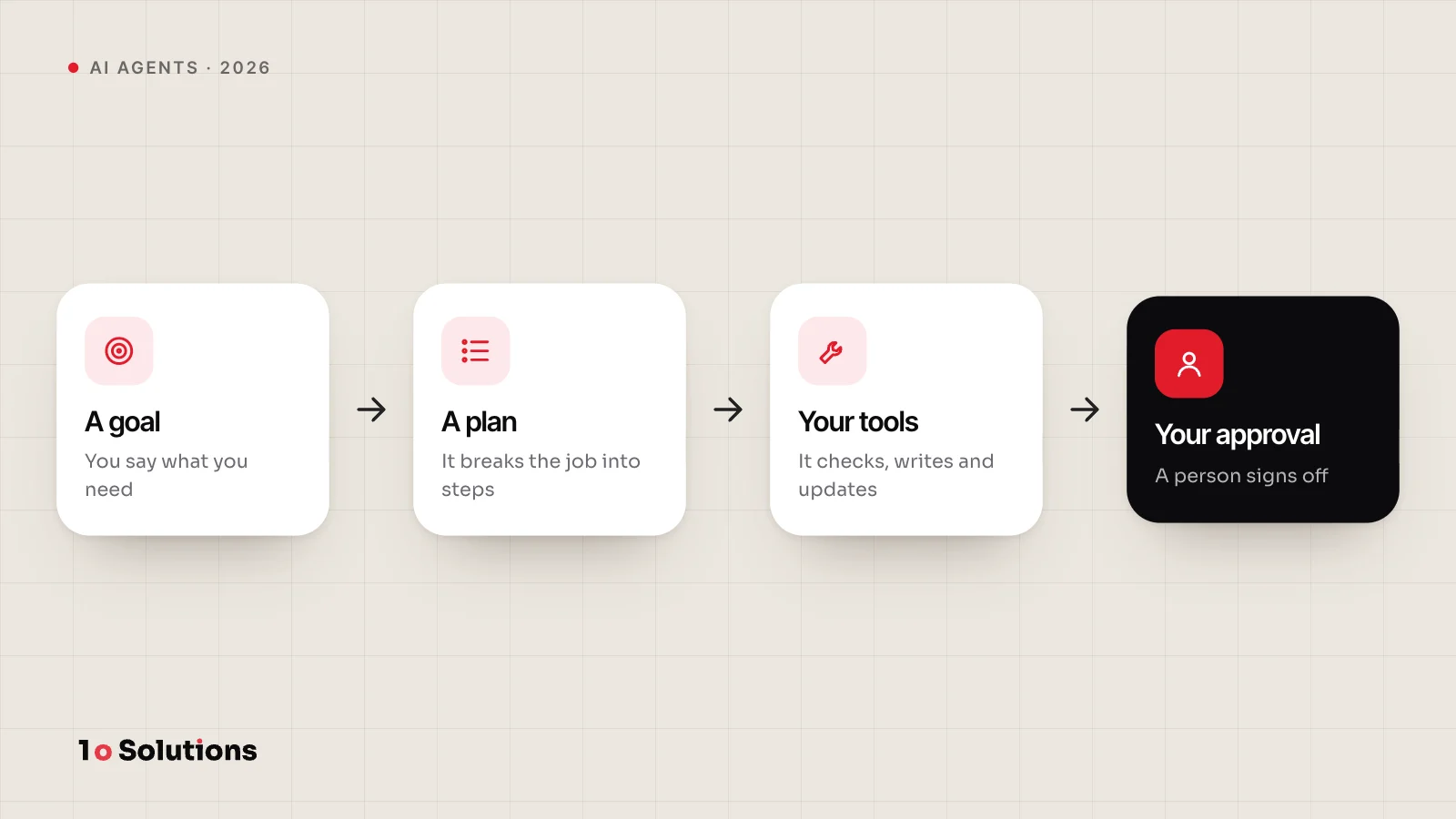
Keep a human approval step
An approval step is not a sign that the tool is weak. It is how you stop a mistake from reaching a customer. OWASP, the security group behind the Top 10 for LLM applications, names the opposite problem "excessive autonomy": a tool that takes high impact actions without anyone checking them.
Think of three levels, and move up only when your numbers support it:
| Level | What happens | Use it for |
|---|---|---|
| Draft only | The tool prepares, a person does the action | Customer replies, any new workflow |
| Approve, then act | The tool asks, a person says yes or no | Anything that sends, books or changes a record |
| Act, then report | The tool acts and tells you afterwards | Low risk steps such as labels and reminders |
Common tools already support this. Microsoft Power Automate, for example, has approval actions that let a flow wait for a person's decision.
Measure the time you save, honestly
Saved time is easy to overstate. Use this method:
- Time the task by hand. Over a normal week, write down the minutes per task and the number of tasks.
- Time the new workflow. Count the minutes a person spends checking and fixing, not only the minutes the tool runs.
- Count the upkeep. Someone has to repair the workflow when a form or a tool changes.
- Track the mistakes. Count how many results a person had to correct, and how many slipped through.
Here is an example to show the sum, not a result. If a task takes 10 minutes by hand and 4 minutes with the tool, including checking, you save 6 minutes per task. At 100 tasks a month that is 600 minutes, or 10 hours. Then take off the time spent on upkeep and on fixing errors.
Common mistakes
- Automating a messy process. The tool repeats the mess faster. Write the steps down first.
- Starting with the hardest workflow. Win a small one, then add the next.
- Using AI where a rule would do. Fixed steps do not need a language model.
- Having no owner. Give one person the job of watching the workflow and fixing it.
- Keeping no log. Record what the tool read, what it decided and what it did. You will need it the first time something goes wrong.
- Sending customer data without checking. Read the provider's data terms, and send only what the task needs.
Questions and answers
Do I need AI to automate a workflow?
No. If the steps are fixed and the data is clean, plain rules are cheaper and easier to predict. Use AI when the input is messy, such as free text email, photos of receipts or call notes. Many good workflows mix both: rules for the steps and AI for reading the messy part.
Which workflow should I automate first?
The one that passes the four tests: it happens often, has clear steps, costs little if it goes wrong and can be measured. Email sorting, lead replies and weekly reports are good candidates. Pick the job your team complains about most.
What if the AI gets something wrong?
It will, sometimes. That is why the first version keeps a person in the approval step and logs what the tool did. Check a sample every week, note the kinds of mistakes, and fix the instructions or the data. If one kind of mistake is expensive, move that step back to approval.
Should I use a ready made tool or have something built?
Start with a ready made tool when it covers your steps. Have something built when your steps are unusual, your tools do not connect, or you hit limits on volume or data. A small test with a ready made tool is a cheap way to find out which side you are on.
Is it safe to send customer data to an AI tool?
It depends on the provider and the plan. Read how the provider stores and uses your data, send only the fields the task needs, and leave out the rest. If you are unsure, ask the provider in writing.
How do I know the workflow is worth keeping?
Compare the measured time before and after, including checking and upkeep, and look at the mistake count. Review it after a month. If a person has to redo much of the output, change the workflow or stop it.
References and further reading
- Eliminating Toil sre.google The chapter from Google's SRE book that defines toil as work that is manual, repetitive and automatable.
- Building effective AI agents anthropic.com Anthropic's advice to find the simplest solution first, and its difference between workflows and agents.
- Get started with Power Automate approvals learn.microsoft.com How to add a sign off step to an automated flow.
- Human in the loop in AI workflows zapier.com Zapier's guide to approval checkpoints in AI workflows.
- LLM06:2025 Excessive Agency genai.owasp.org OWASP's explanation of why high impact actions need a check before they run.
If you want a second pair of eyes on which workflow to start with, our AI automation service covers this kind of work. The first call is free and takes 30 minutes, and we reply within one business day.