Chatbot, AI Agent or Automation: Which One Do You Need?
Plain definitions of a chatbot, an AI agent and automation, a comparison table, six real business situations, and how to start small without buying the wrong thing.
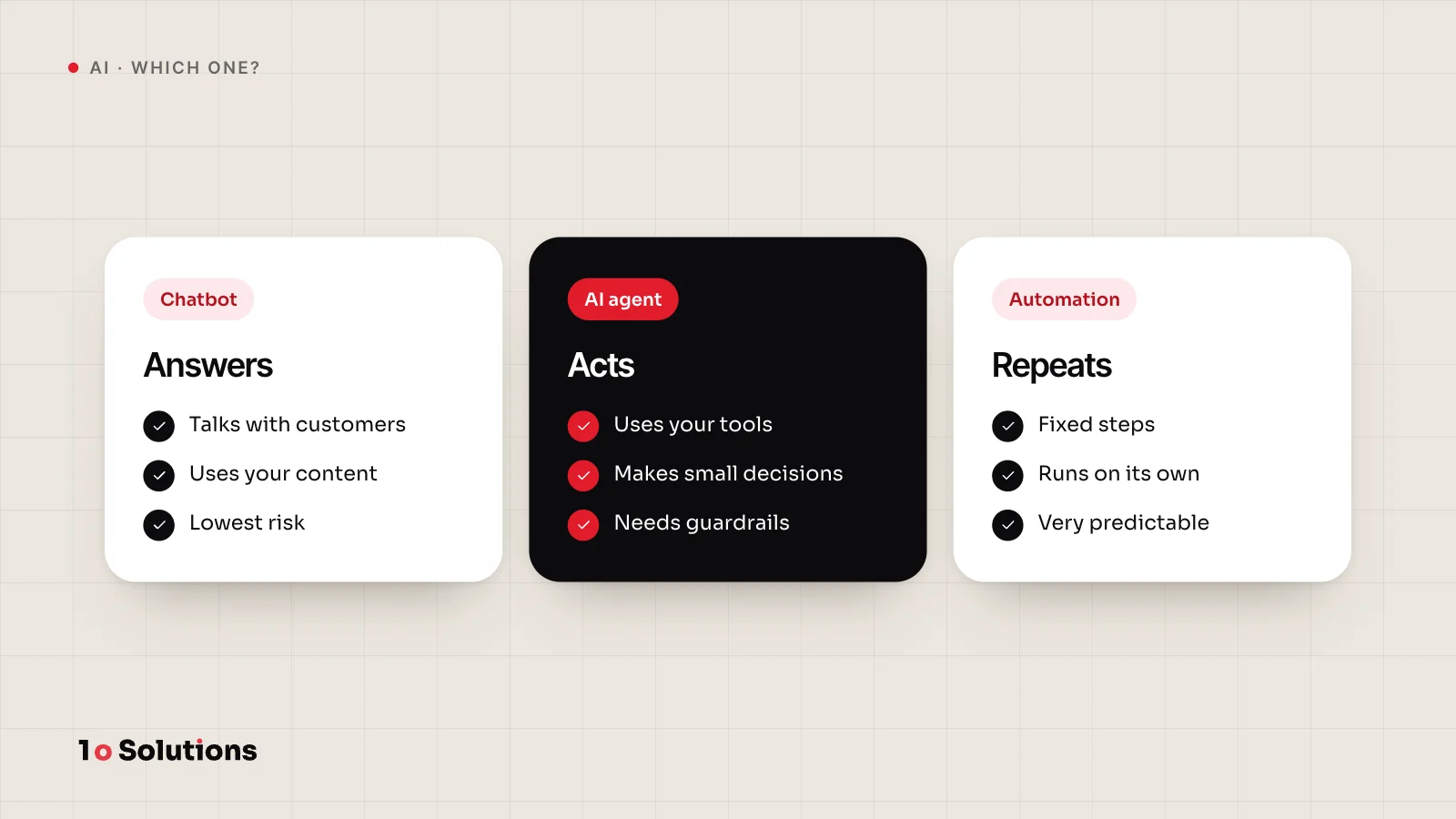
Use automation when the steps are always the same. Use a chatbot when people need answers in a conversation. Use an AI agent when the system must decide the next step and act. Many jobs need only automation, so pick the simplest option that does the job. More freedom brings more risk, cost and testing.
Plain definitions
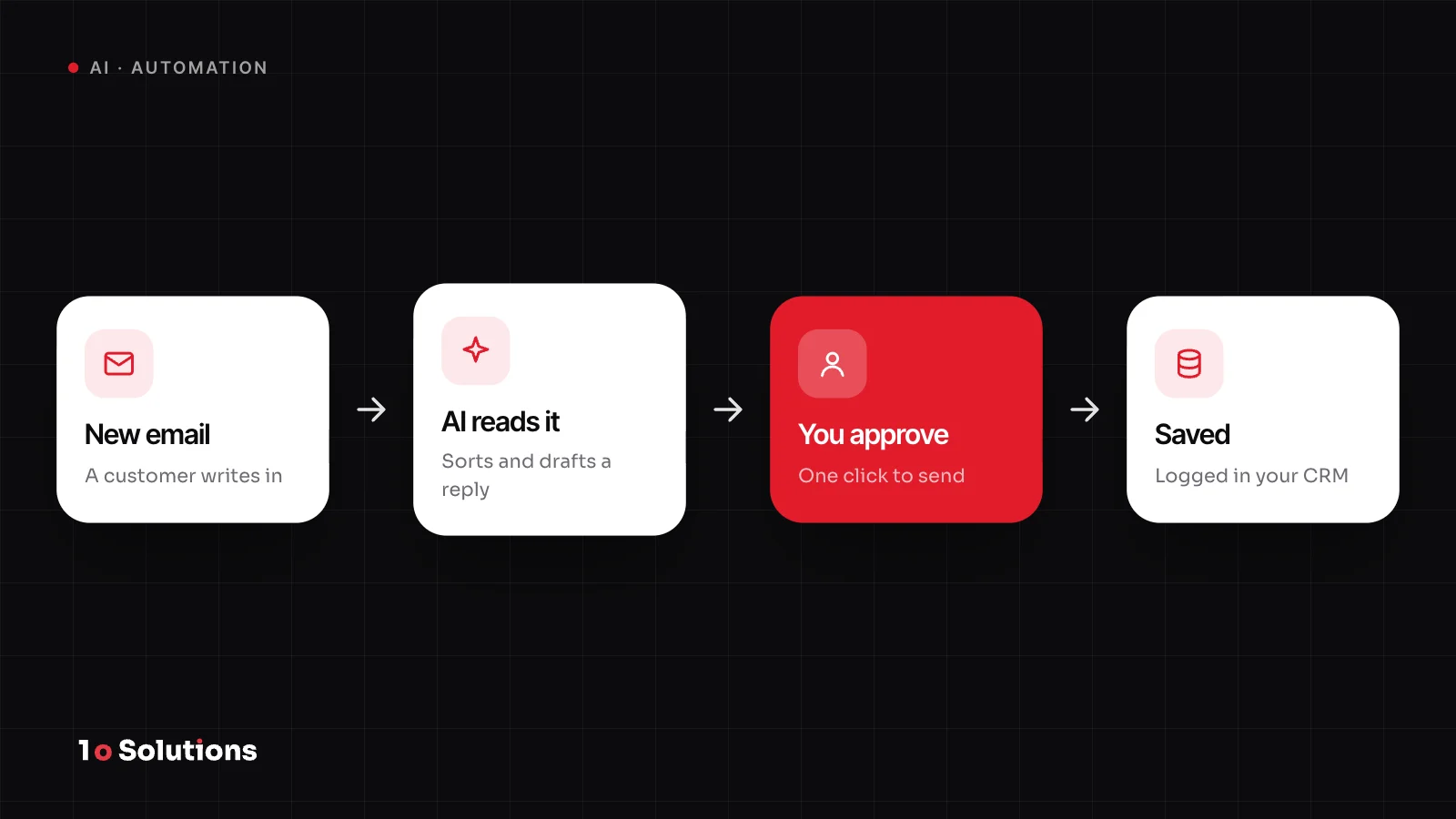
Automation is a fixed path that you design. "When this happens, do these steps." A web form arrives, the lead goes into your CRM, and sales gets a message. It can have an AI step inside, such as reading an invoice, but people decide the path. Anthropic calls the version with a language model inside a workflow: LLMs and tools "orchestrated through predefined code paths".
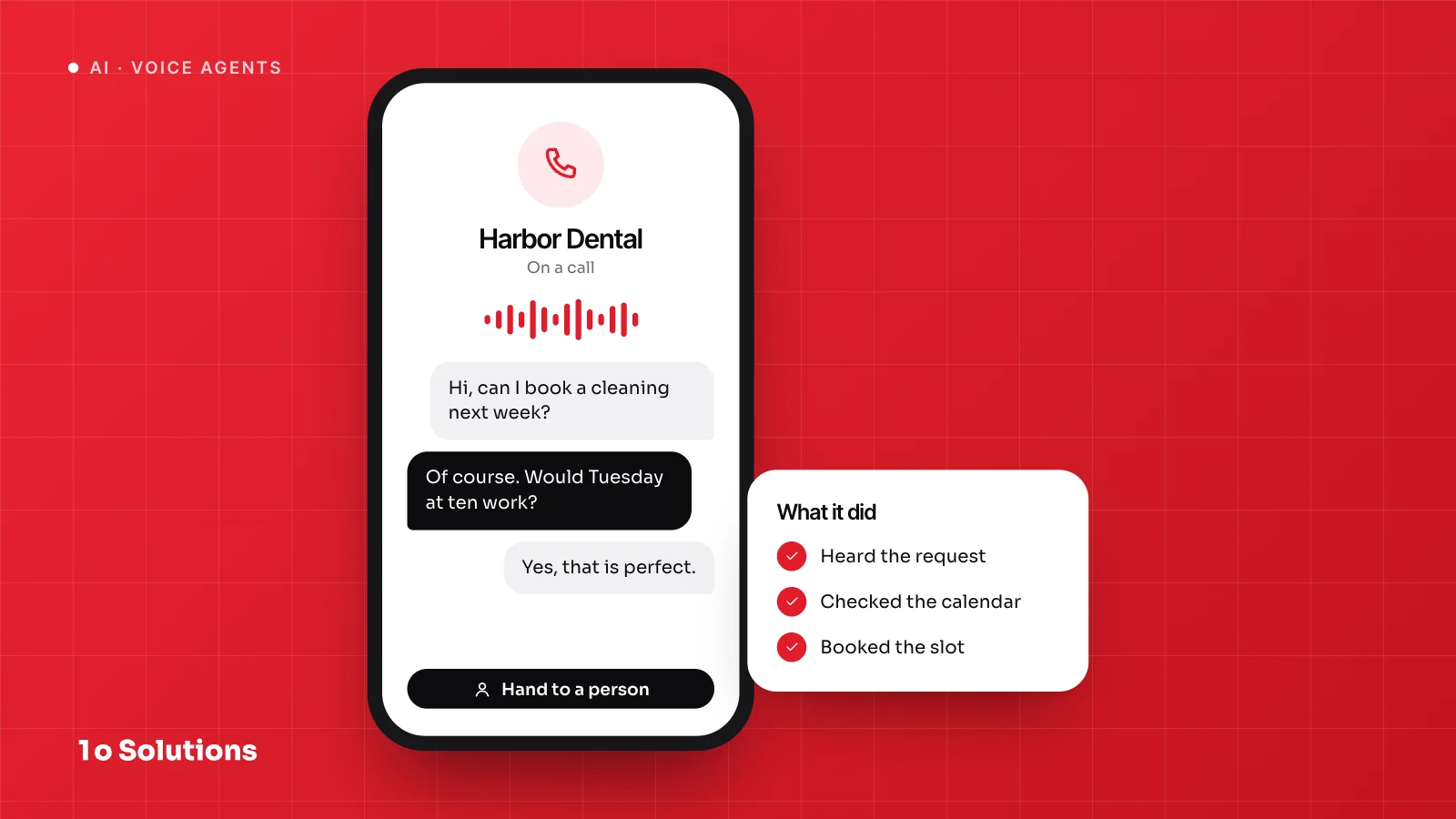
A chatbot is a conversation. It lives in a chat window, on WhatsApp or on the phone, and its main job is to talk and answer. Older bots follow a script of buttons and rules. Newer ones use a language model and your own documents.
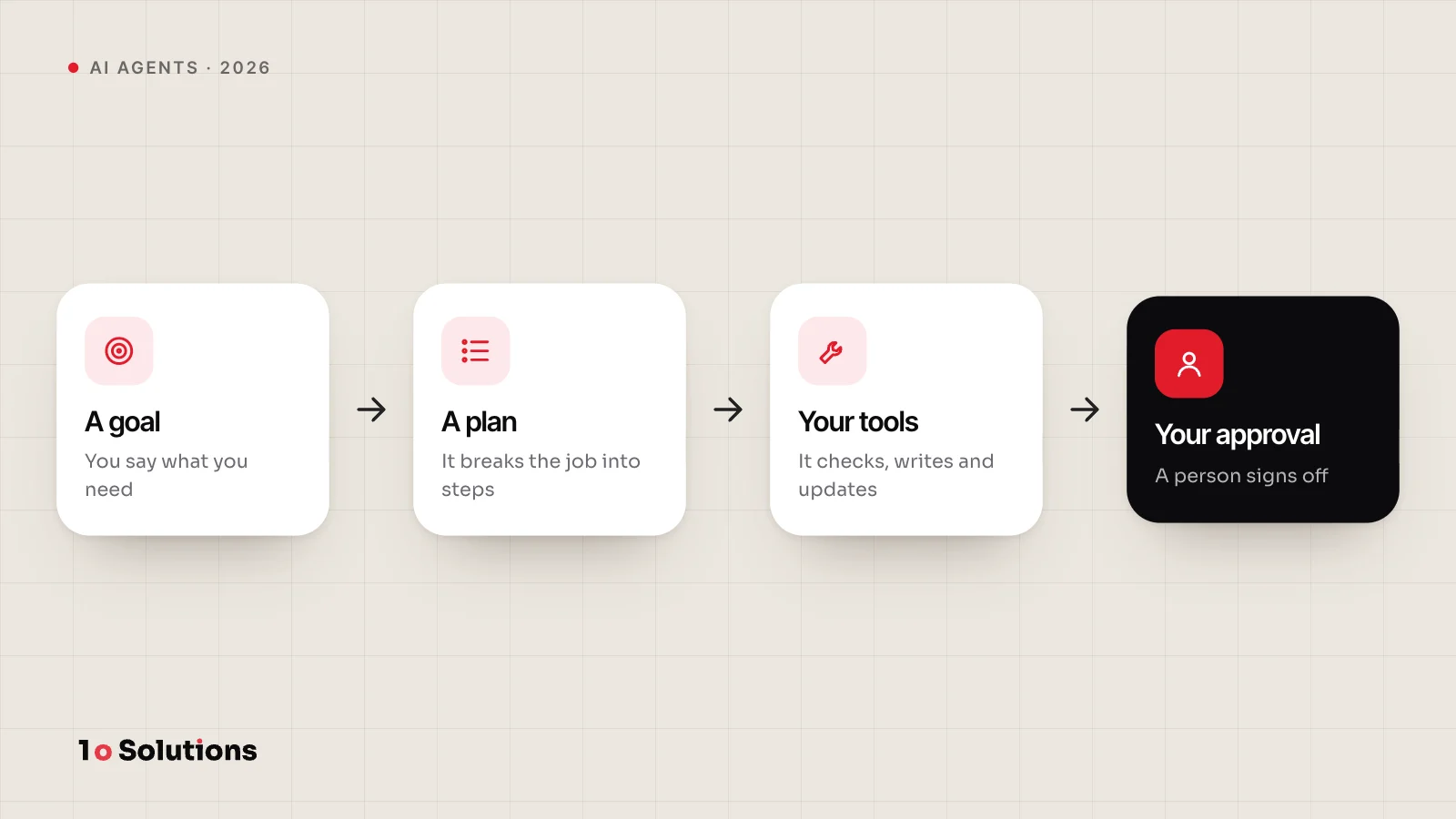
An AI agent is given a goal and works out the steps. It uses tools, such as your order system, calendar or email, checks the results and carries on. Anthropic says agents "dynamically direct their own processes and tool usage". IBM puts it this way: assistants are reactive and perform tasks at your request, while agents are primarily proactive, planning and taking actions to reach a defined goal.
The lines blur. A chatbot that can check an order is already part of the way to an agent.
The three side by side
| Automation | Chatbot | AI agent | |
|---|---|---|---|
| What it does | Runs the same steps every time | Talks with a person and answers questions | Plans steps, uses tools and acts to reach a goal |
| Best for | Repeated tasks with clear rules | Common questions and simple requests | Cases where the steps change from one to the next |
| Main risk | Breaks when the input changes in a way you did not plan for | Wrong or invented answers, and customers stuck in a loop | Wrong actions with real effects, and cost that grows |
| Typical effort | Lowest | Low to medium | Highest |
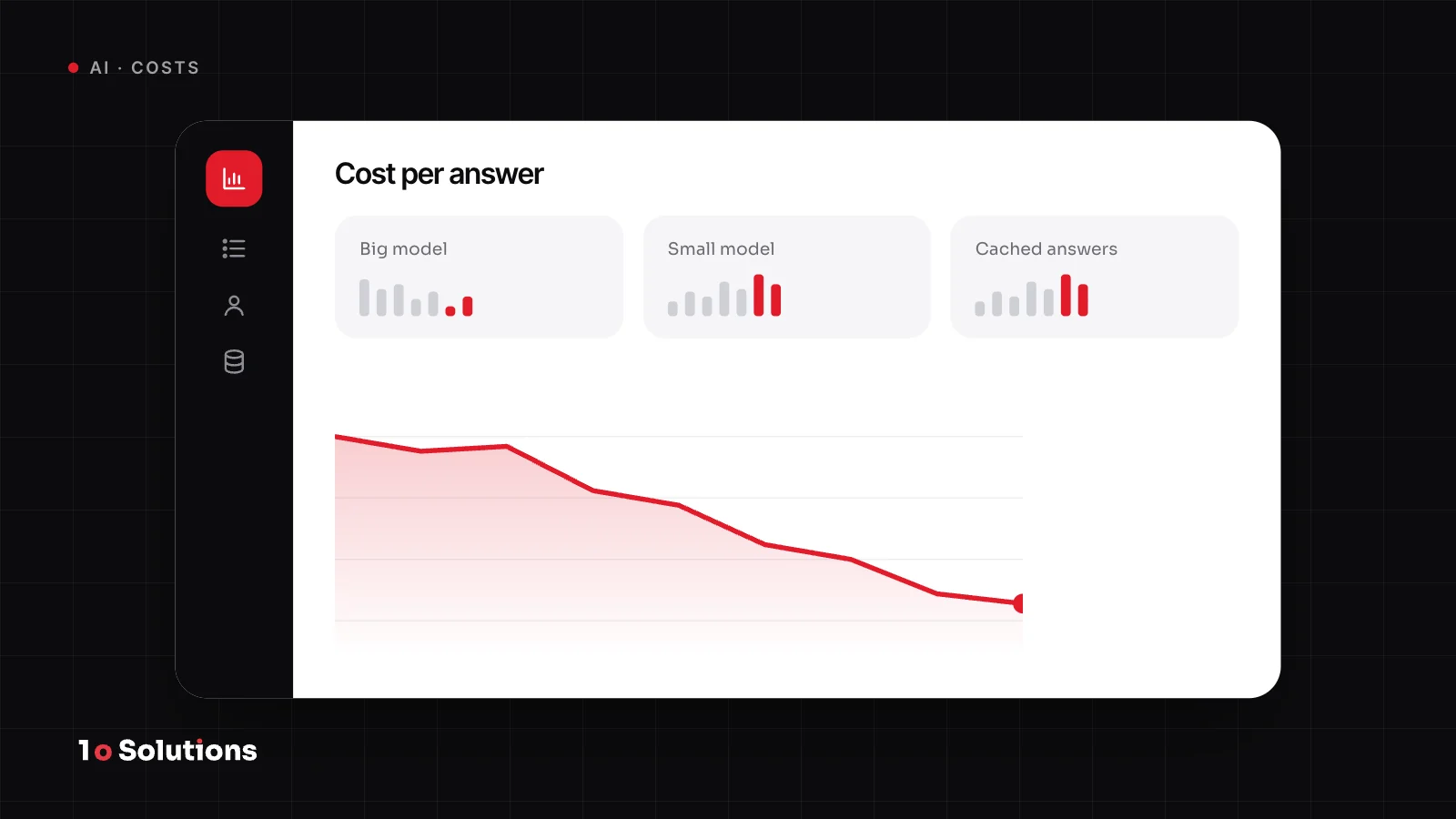
The risks are real, and sources agree. The US consumer finance regulator warns that chatbots can give wrong information, send people round in "continuous loops of repetitive, unhelpful jargon", and block access to human support. Anthropic notes that the autonomy of agents "means higher costs, and the potential for compounding errors". OWASP, a security group, calls excessive agency the vulnerability that enables damaging actions. It lists the causes as too much functionality, too many permissions and too much autonomy.
More freedom means more risk, more cost and more testing. That is why we always look at the simplest option first.
How the three fit together
In real projects they rarely stand alone. A chatbot is the front door, where the customer asks. Automation does the fixed work behind it, such as creating a ticket, sending the email and updating the sheet. An agent handles the cases that need judgment, and hands over to a person when it is unsure.
Add them in order of effort: automation first, then a chatbot, then an agent for the cases that are left. You may never need the last step.
Six real situations
- Invoices arrive by email and must be entered in your accounting tool. Automation, maybe with an AI step to read the invoice. The steps never change.
- A new lead fills in your website form. Automation. Add it to the CRM, tell sales, send a confirmation. No AI is needed.
- Customers ask the same questions about delivery, returns and opening hours. A chatbot that answers from your approved content. Our post on chatbot best practices shows how to build one that does not fail.
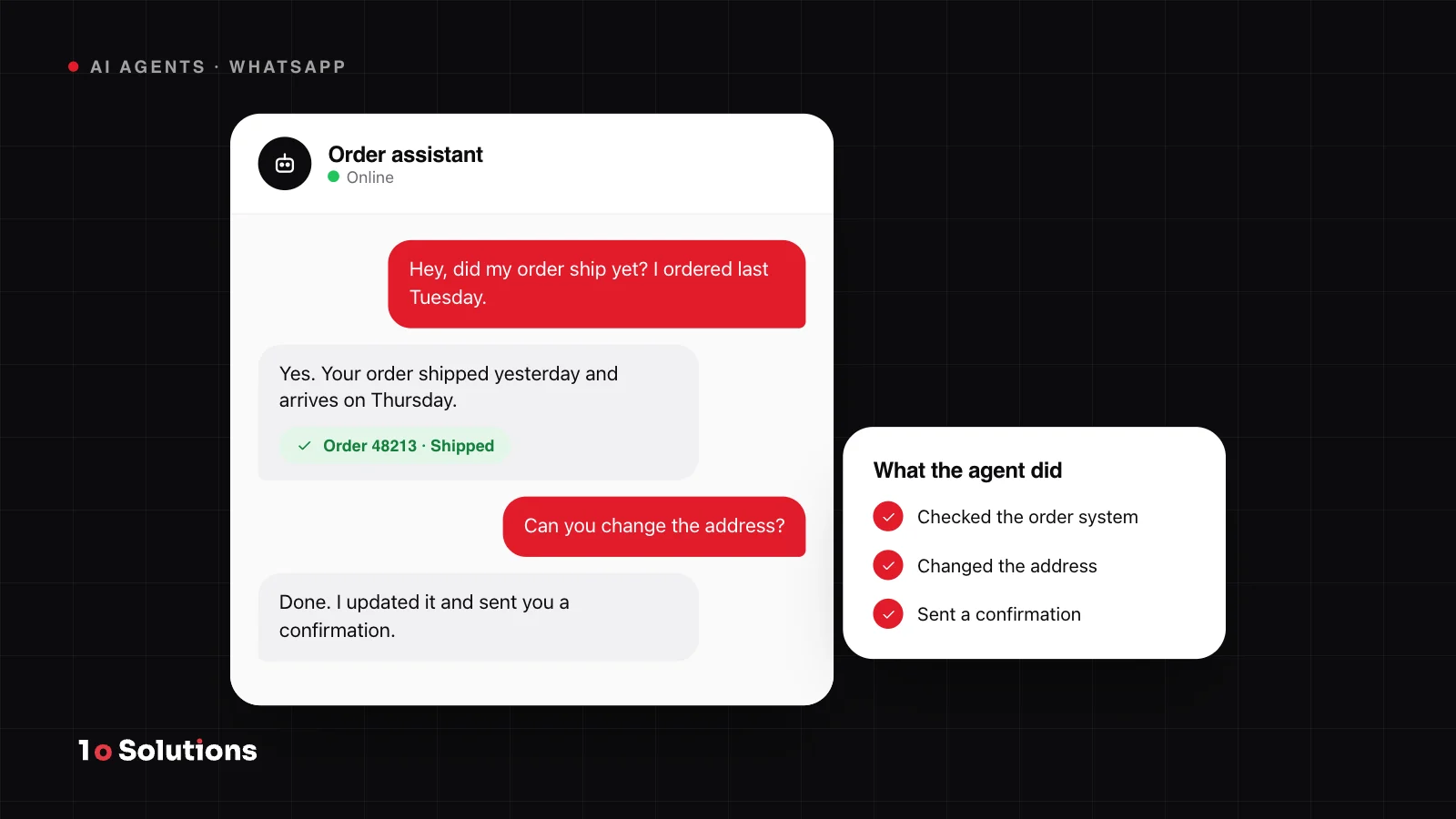
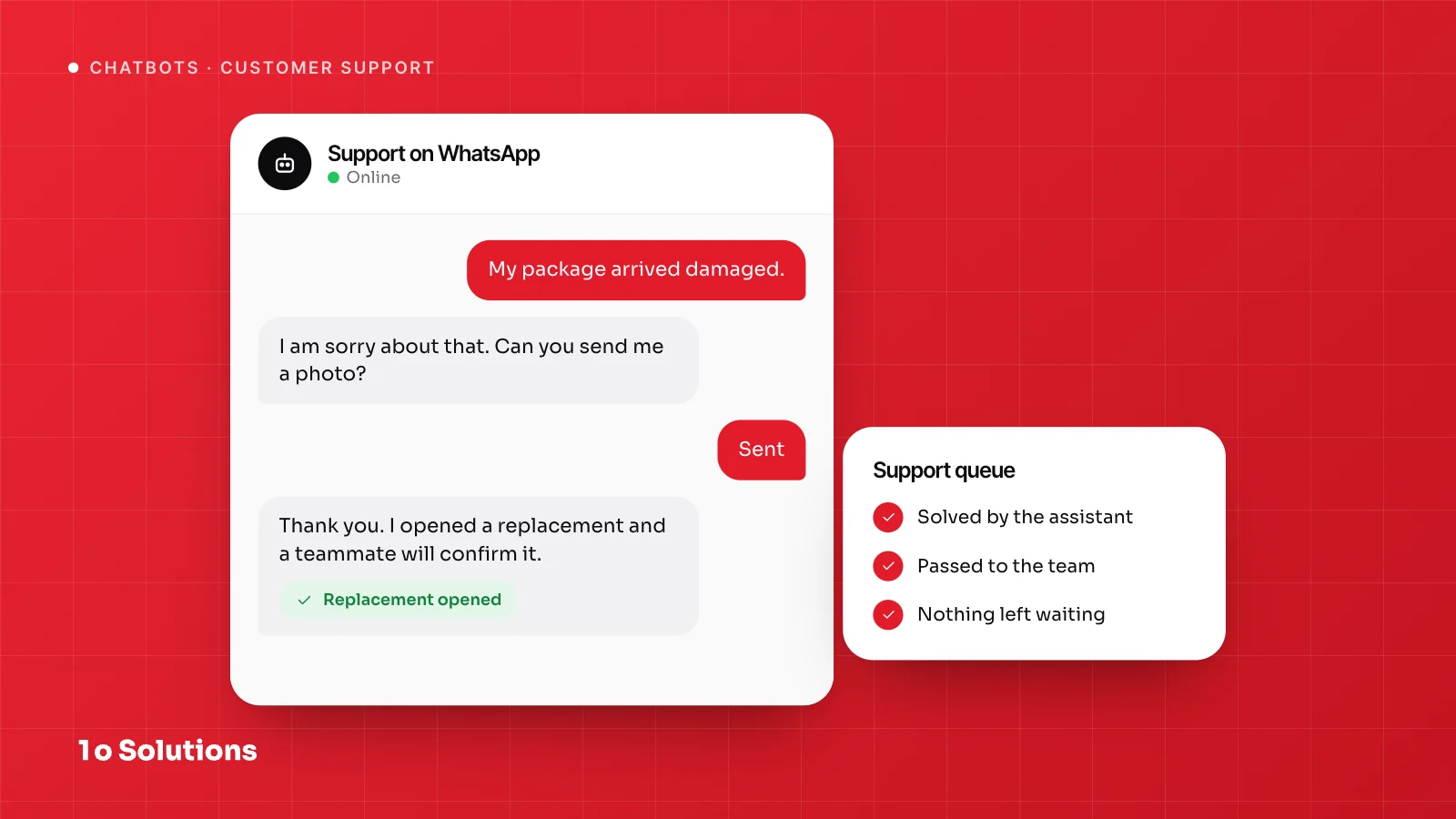
- Customers ask where their order is, or want to change an address. A chatbot that can look things up and act. That is the first step towards an agent. See an AI agent on WhatsApp for how this looks in practice.
- Your support inbox is full of messy requests: a refund, a damaged item, a wrong size. Each case needs checks across the order system and your policy, then a decision. This fits an AI agent, with a person approving refunds.
- A month end report needs numbers from three systems. A mix. Automation pulls the numbers on schedule, and an AI step can write the summary.
How to start small
Anthropic's advice is to find "the simplest solution possible, and only increasing complexity when needed". Start with one job, not a platform. In practice:
- Pick one job that has a clear start and end and happens often.
- Write down the steps a person follows today. If they are always the same, build automation and stop there.
- Add AI only where the input is messy, such as free text, emails or PDFs.
- Begin with read only access. Add actions one at a time, and have a person approve anything costly or hard to undo.
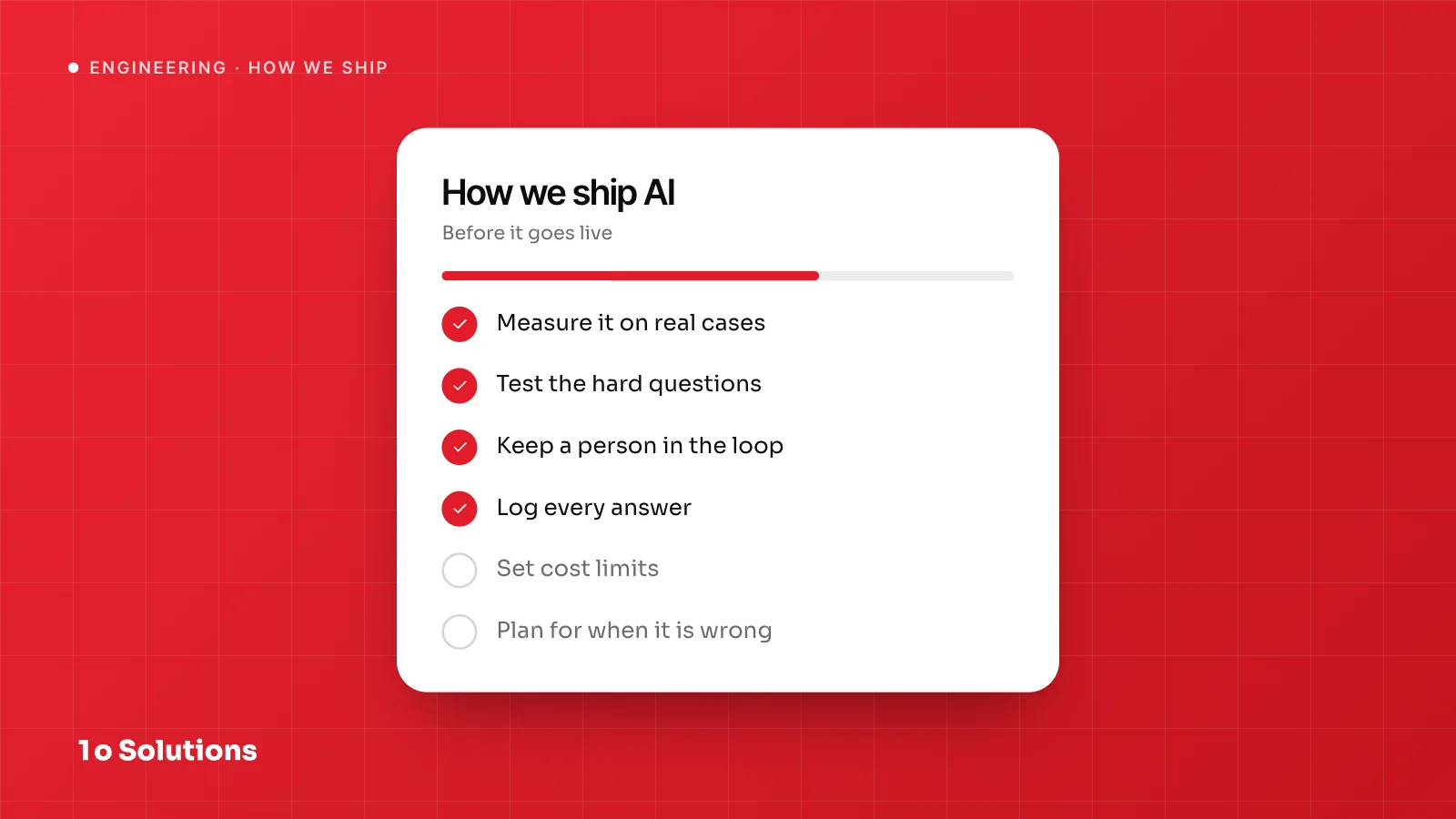
- Test on real past cases, not clean examples, and keep logs.
- Widen the scope only when the numbers hold up.
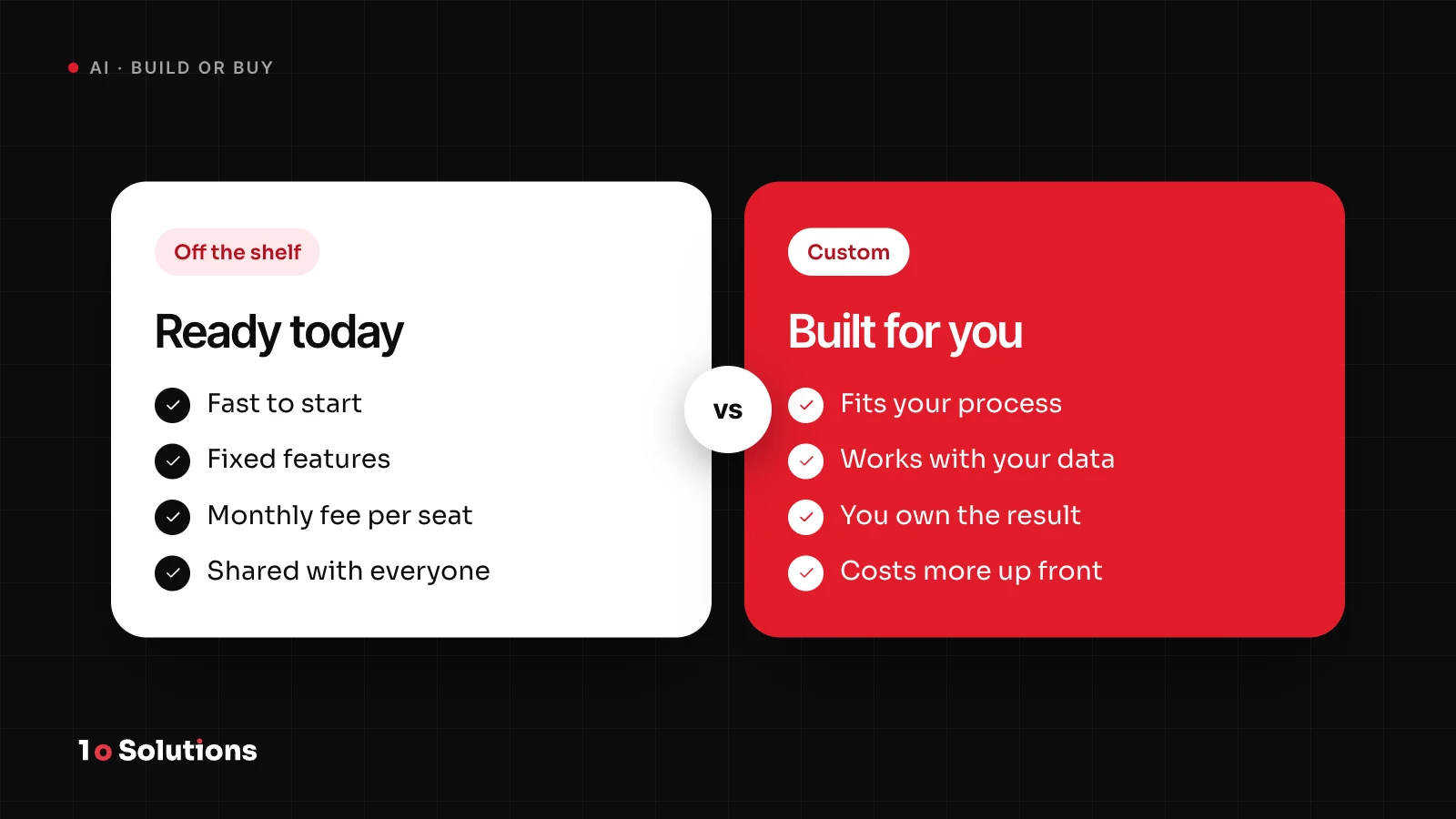
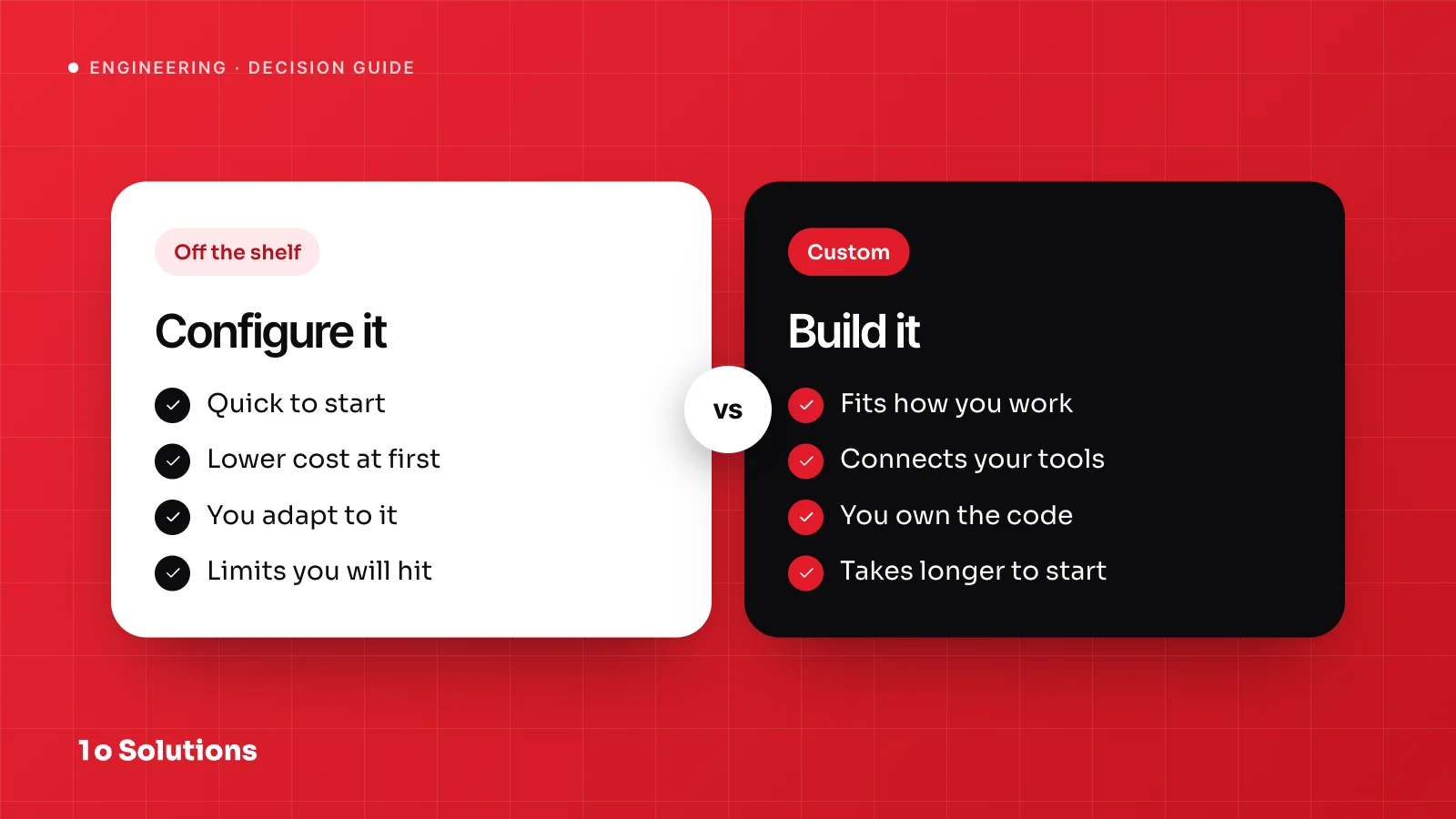
Our post Do you actually need custom AI also covers when a ready made tool is enough.
Common mistakes
- Using an agent where a fixed rule would do. It is slower, costs more and is less predictable.
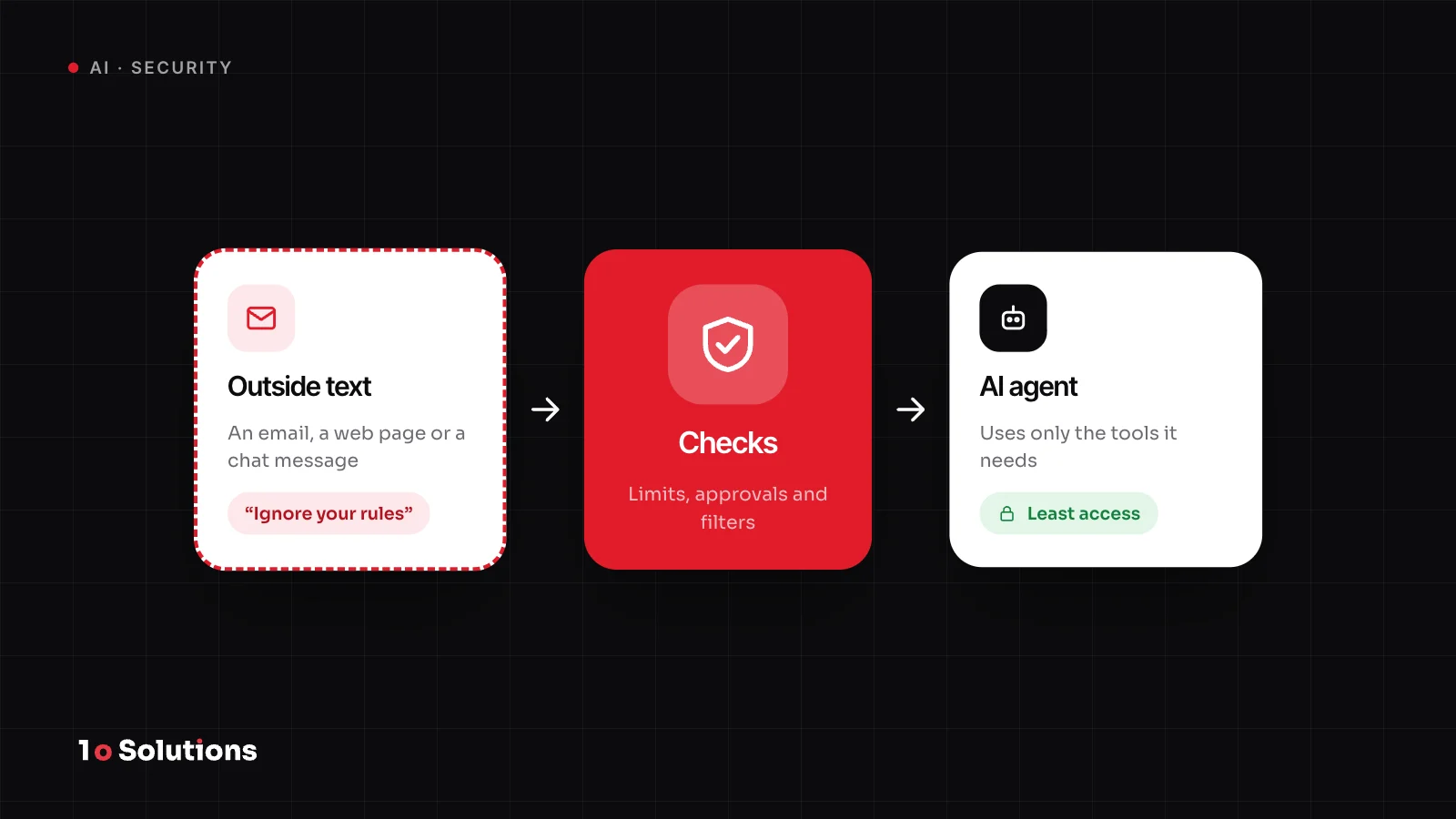
- Giving an agent wide access on day one. OWASP advises giving it only the tools it needs, the lowest permissions, and a human approval step for high impact actions.
- A chatbot with no way to reach a person. This is the loop problem above.
- Hiding that it is an AI. Article 50(1) of the EU AI Act asks providers to design systems that talk to people so that people are told they are dealing with an AI, unless that is obvious.
- Judging by a demo. Demos use clean input. Real customers do not.
- Building all three at once. Start with one and learn.
Questions and answers
Is a chatbot the same as an AI agent?
No. A chatbot talks and answers. An agent also decides its own steps and uses tools to get something done. In practice the line is blurry, because a bot that checks orders sits in between.
Can automation use AI?
Yes. An AI step can read a PDF, sort an email or write a summary, while people still set the path. This is often the safest way to add AI.
Which one is the cheapest to start?
Automation usually has the lowest effort, because the steps are fixed and easy to test. Agents typically cost the most to build and monitor. Your case may differ.
Is it safe to let an agent use my systems?
Only with limits. Give it the smallest set of tools and permissions it needs, make it ask a person before costly or hard to undo actions, and keep logs of what it did.
Do I need all three?
Often you use a mix: automation for the fixed work, a chatbot as the front door, and an agent for the cases that need judgment. Add each one only when the one before it is not enough.
When should I move from a chatbot to an agent?
When the answers are good but customers keep needing an action, or staff keep repeating the same lookups across several systems. Add one action at a time and test it.
References and further reading
- Building effective agents anthropic.com Anthropic's engineering guide to workflows and agents, with advice to keep it simple.
- AI agents vs AI assistants ibm.com IBM's explanation of how agents differ from assistants in autonomy and tool use.
- LLM06 Excessive Agency genai.owasp.org OWASP's description of the risk when an AI system can do too much, and how to reduce it.
- Chatbots in consumer finance consumerfinance.gov A US regulator's report on wrong answers, loops and missing human support.
- EU AI Act, Article 50 artificialintelligenceact.eu The rule on telling people when they are dealing with an AI system.
If you are not sure which one fits, we can tell you in a short call, and we will say so if plain automation is enough. See our AI automation and AI agents services.