Custom Software or Off the Shelf? How to Decide
A plain guide to choosing between custom software and a ready made tool: how they compare, the signs you have outgrown a spreadsheet, and the middle path.
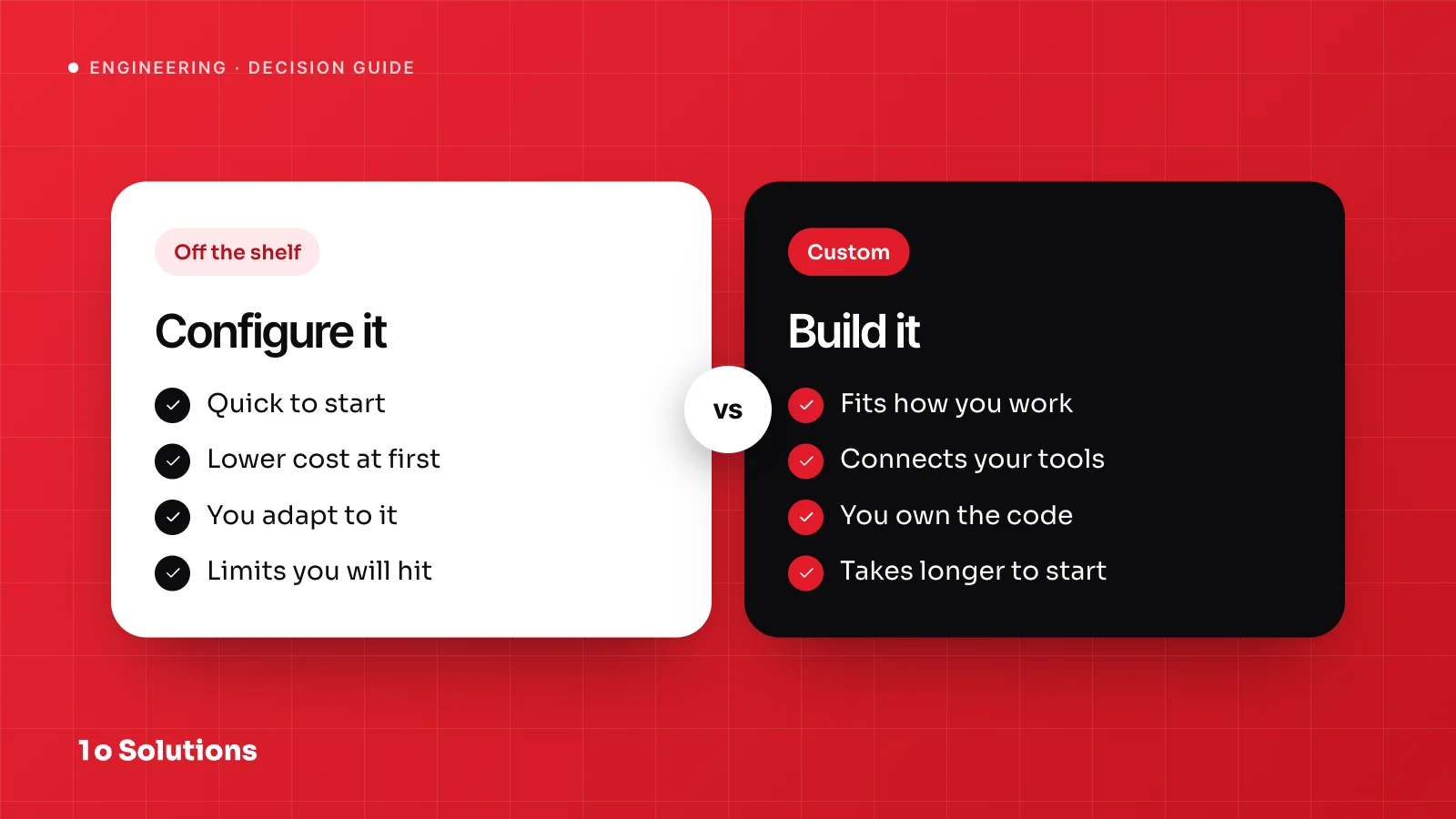
Buy a ready made tool when your job is common and the tool fits most of it. Build custom software when the job is what makes your business different, or when your team works around the tool every day. Between the two sits a third option that is often best: set up a tool and build only the part it is missing.
A simple rule to start with
Joel Spolsky, a well known software writer, gave this advice back in 2001. If something is a core business function, build it yourself. For everything else, buy. He wrote it for software companies, but it works for other businesses too.
Your core function is what customers pay you for and what competitors cannot copy easily. For most companies, email, payroll and basic accounting are not that. How you quote a job, schedule a crew, make a product or deliver an order might be. Buy the common parts and build the parts that are yours.
How the two options compare
| Off the shelf | Custom | |
|---|---|---|
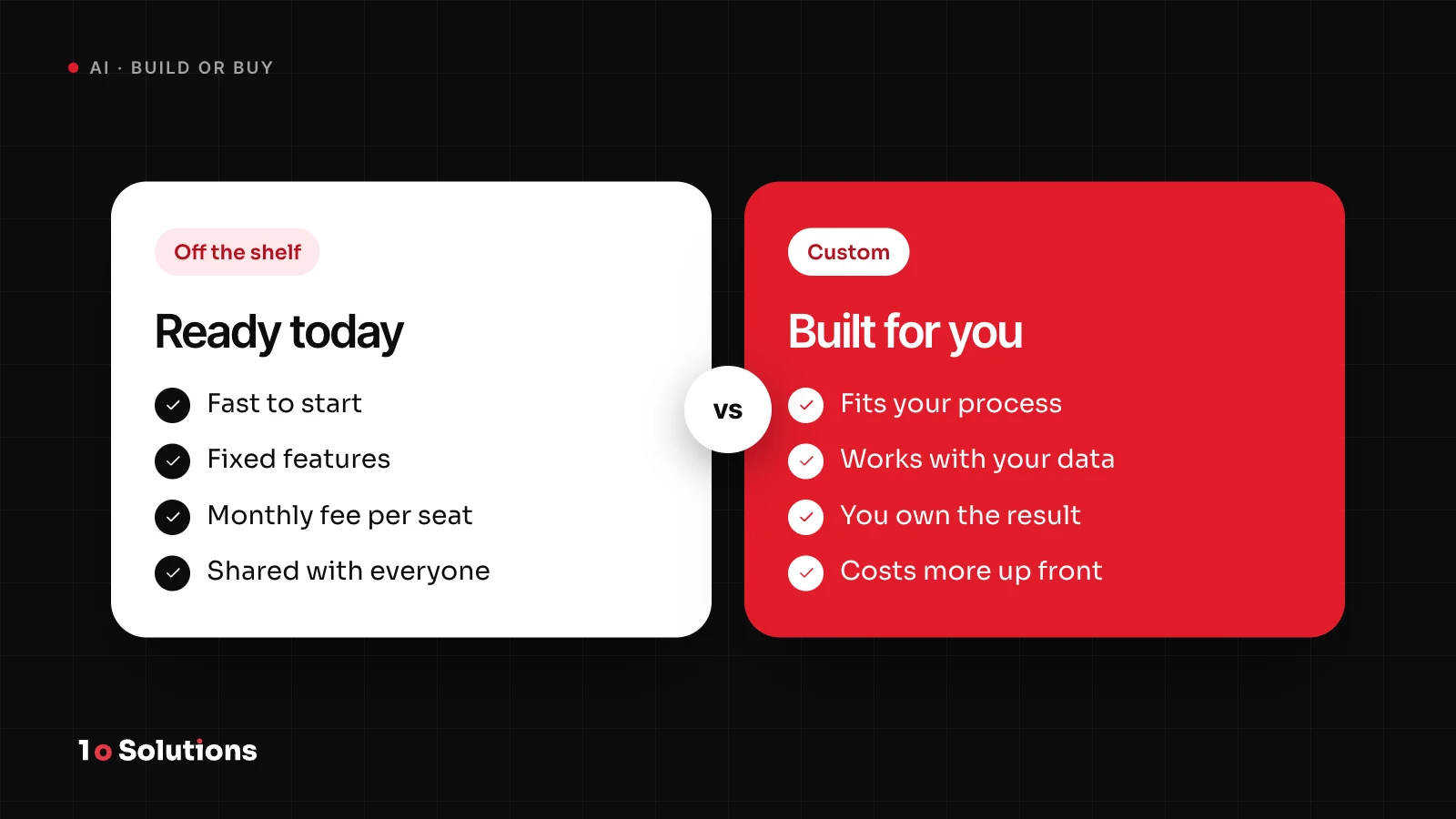
| Fit | Fits the usual way of working. You adapt your process to the tool. | Fits your process, because you decide the screens, rules and data. |
| Cost over about three years | Low start. A fee per user or per month that grows with your team, plus add ons. | Higher start, then hosting and upkeep. No fee per user. |
| Speed | Days to start. | Weeks to a first usable version. |
| Integrations | Ready made connectors for popular tools, and gaps for unusual ones. | Connects to anything that has an API or a file, but each link is paid work. |
| Who owns it | The vendor owns the product and sets the price. You rent it. | You own it, if the contract says so. |
| Risk | The vendor changes the price, drops a feature or closes. | The scope grows, or the people who built it are not there when you need a fix. |
Neither column always wins. Tools are cheaper and faster at the start. Custom software can be cheaper later, when the per user fees and the workarounds add up.
Signs you have outgrown spreadsheets and ready made tools
- You type the same data into two or three places.
- Only one person understands the file, and nobody else dares to touch it.
- People keep workarounds: a second sheet, a note on paper, a rule that lives in someone's head.
- You pay for a tool, use a small part of it and still miss the one feature you need.
- Mistakes cost money. The European Spreadsheet Risks Interest Group (EuSpRIG) keeps a collection of public news stories about spreadsheet errors, some with large financial losses.
- You cannot give a customer, a supplier or a field team a safe, limited view of the data.
- Your process is a reason customers choose you, and the tool forces the standard way.
One or two of these is normal. As a rule of thumb, three or more means it is time to look at something better.
To see what custom work looks like, read our case studies on The Ice Butcher, a custom Laravel operations platform, and on PinStreet, a community map mobile app. When the software is the product, as with an app like PinStreet, you build it.
The middle path: set up a tool, build the gap
You do not have to pick one side. A good middle path looks like this:
- Use a ready made tool for the common parts, such as accounting, email, your customer list and your calendar.
- Write down the one thing it cannot do. Be exact. "Quote a job from our price rules" is a good gap. "Better reporting" is not.
- Build a small piece for that gap. Connect it to the tool through its API (a way for programs to talk to each other) or through a file.
- Keep your data exportable. Then you can change a part later without starting over.
Martin Fowler calls the gradual way of replacing a system "strangler fig": you replace it piece by piece instead of in one big switch. It works well here. Start with the tool, and replace a part only when that part starts to hurt.
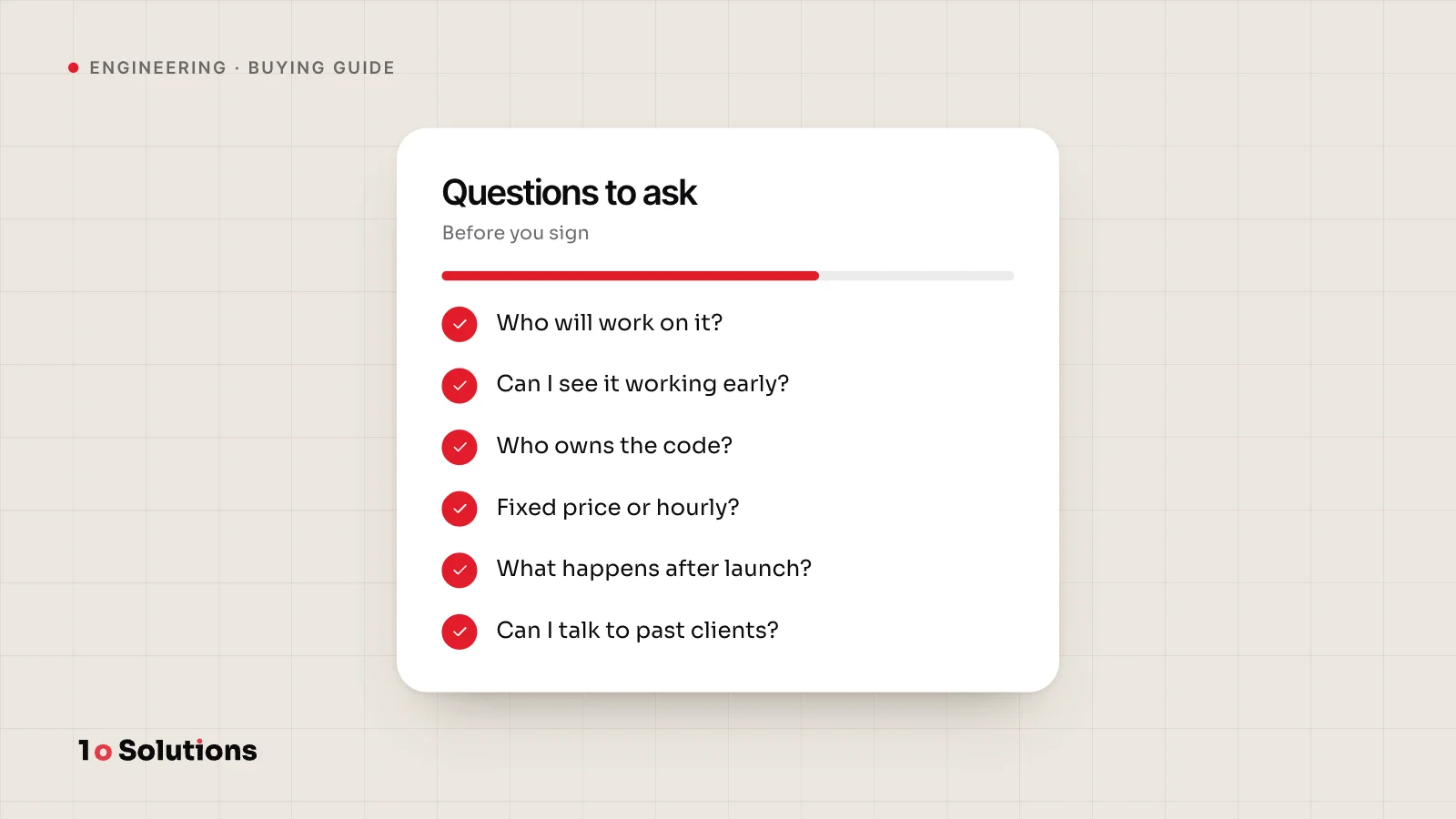
Questions to ask before you decide
- What would we do differently if the software fitted us perfectly? If the answer is small, buy.
- Which part of this process do customers notice or pay for?
- How many people will use it in three years, and does the price grow with each one?
- What must it connect to, and do ready made connectors exist for those tools?
- What happens to our data if the vendor raises the price or closes?
- Who will look after custom software in year two and year three?
- How bad is it if the system is down for a day?
- Can we try the ready made option for a month first?
What a first custom version should contain
A first version is not a small copy of the final product. It is the smallest thing that does one real job with real data. It should have:
- One core flow that works from start to end.
- User accounts and roles, so people see only what they should.
- An admin screen, so you can fix things without calling a developer.
- Your real data from day one, imported from the sheet you use today.
- Export, so your data can always leave.
- Hosting, backups and a place to report problems.
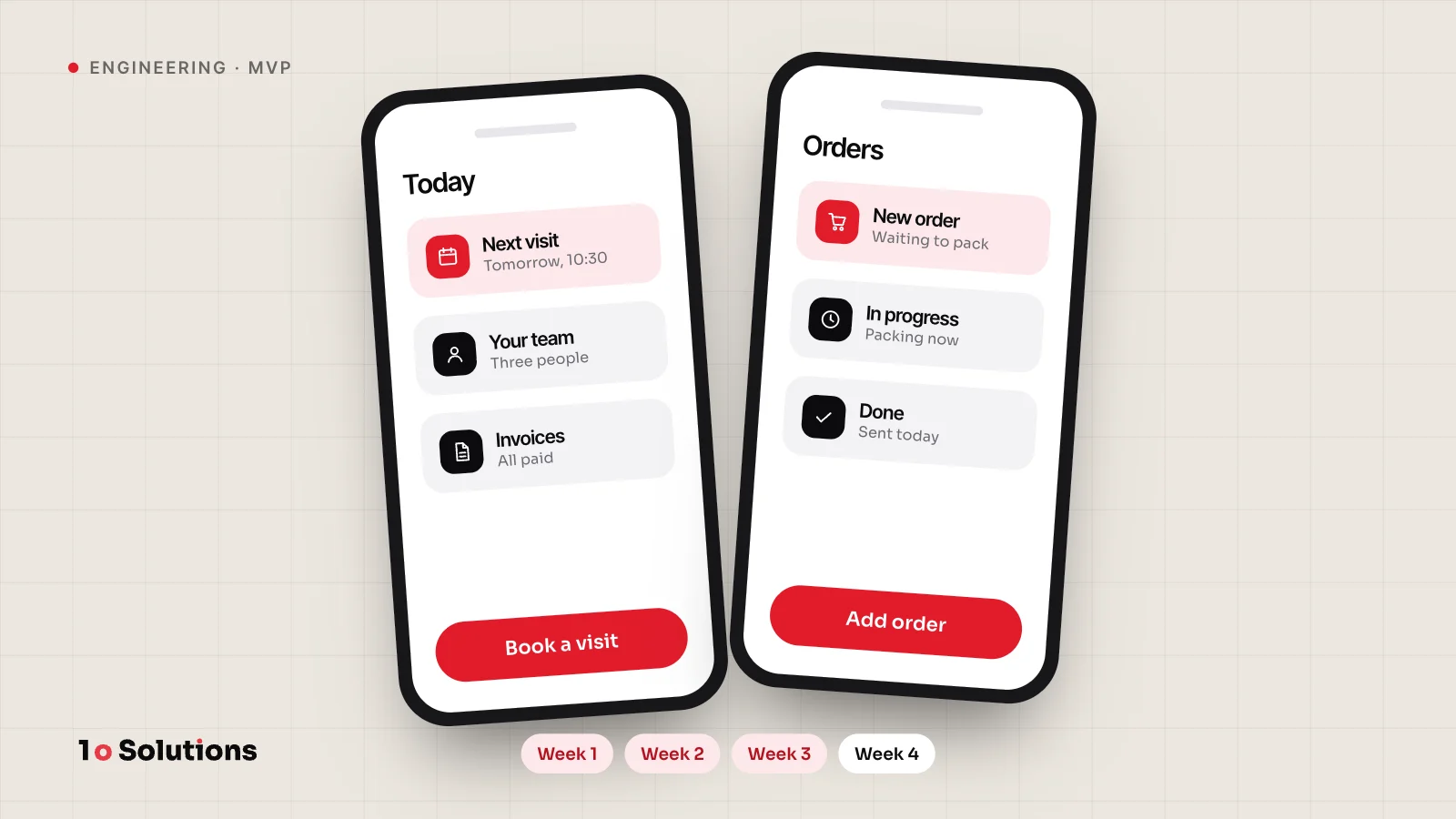
Leave out every report, every integration and every feature for "someday". Fowler describes this as Yagni, short for "you aren't gonna need it": do not build a capability now just because you think you will need it later. Our post on what 4 weeks of MVP development buys shows what a focused first version can hold. Our packages page lists starting points with clear scopes and timelines.
Questions and answers
Is custom software always more expensive?
No. It costs more at the start, but a ready made tool can cost more over time when fees grow per user and your team keeps paying for workarounds. Add up both options over about three years before you decide.
Can I start with a ready made tool and move to custom software later?
Yes, and it is often a good plan. Keep your data exportable, keep a list of what the tool cannot do, and replace one part at a time. That list becomes the plan for the first custom piece.
How long does a first custom version take?
A focused first version can take about 4 weeks, as we describe in our post on MVPs. Our process starts with Discover, which takes 5 days, followed by Prototype in weeks 1 to 4. The scope decides the real time, so keep it small.
Who owns custom software?
You should, and the contract must say so. Do not assume it. With us, the client owns the code and the IP. Ask every company you talk to for the same promise in writing.
What if the person who built it leaves?
That is a real risk. Ask for the code in a repository you control, short written notes on how it runs, and a named person or company who can maintain it. These matter more than the technology you pick.
What about no code tools?
They are a kind of ready made tool with more room to bend. They are good for tests and simple internal apps. Check their limits on data, speed and export first, because moving away from them later can be hard.
References and further reading
- In Defense of Not Invented Here Syndrome joelonsoftware.com Joel Spolsky's argument for building your core business functions yourself.
- EuSPRIG Horror Stories eusprig.org Public news reports of spreadsheet errors and the risks behind them.
- Strangler Fig martinfowler.com Martin Fowler on replacing a system gradually instead of all at once.
- Yagni martinfowler.com Martin Fowler on why you should not build features before you need them.
If you are stuck between buying and building, our custom software service starts with a free 30 minute call. Tell us what you do today, and we will say whether a tool or a build fits better.