How to Publish an Alexa Skill: The Certification Checklist
The path from a working Alexa skill to a live one: testing, beta, submission, what Amazon checks, why skills fail review, and what to watch after launch.
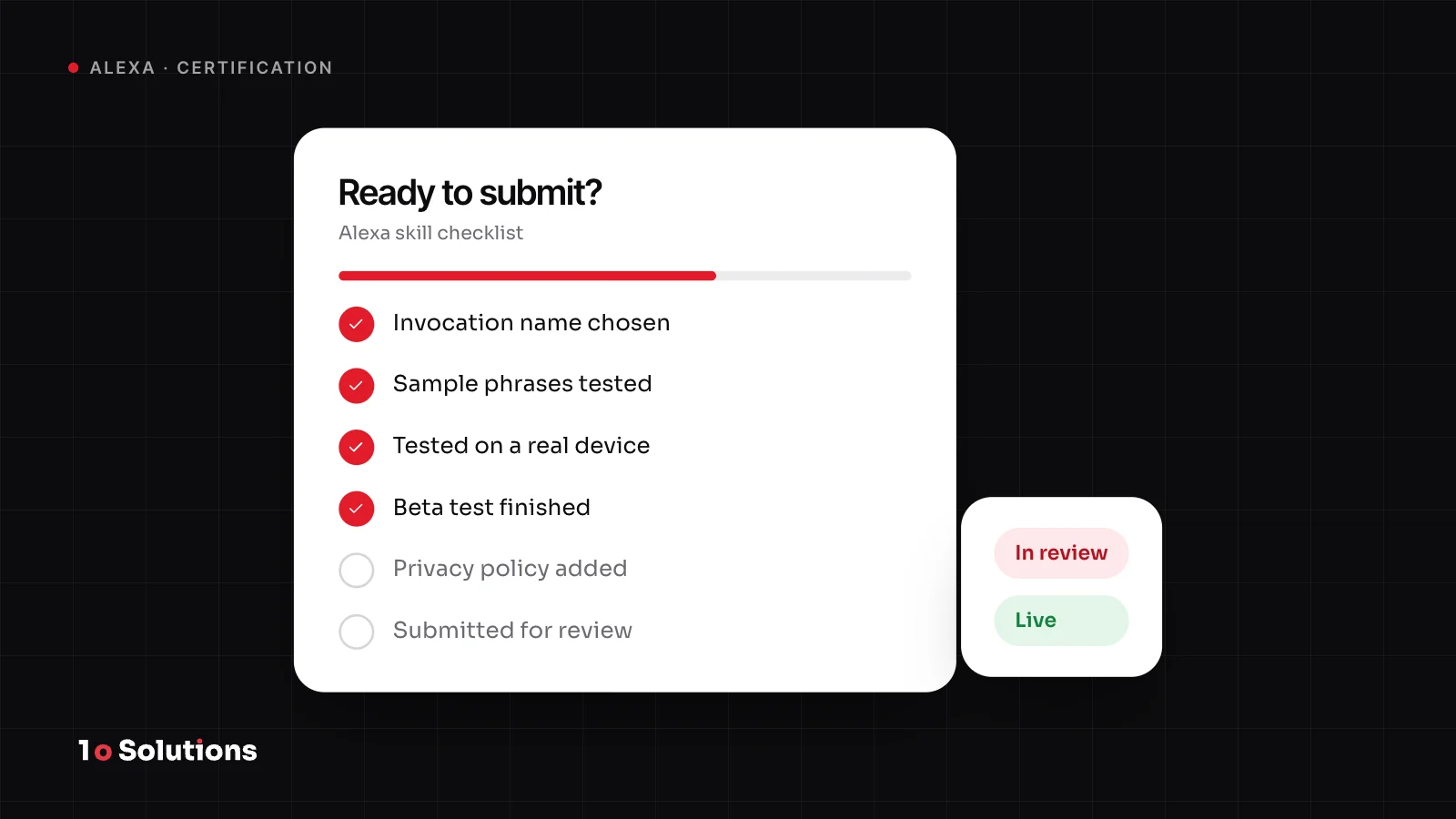
To publish an Alexa skill, you test it in the developer console and on a real device, complete the store listing, run validation, and submit it for certification. When Amazon approves it, you publish it. Most skills that fail review fail for small reasons, such as an example phrase that does not work or test login details that are missing. This guide walks through each stage and each check, so your first submission has a good chance of passing.
The stages from build to live
Here is the path, in the order you will walk it.
- Test in the simulator. The Test tab in the developer console lets you type or speak to your skill. It keeps the session like a real device does, so you can test a conversation with several turns.
- Test on a real device. The Alexa app shows skills under development as well as published ones. Say every phrase out loud. A line that reads well on screen can sound odd in a kitchen.
- Run a beta test (optional). You can invite up to 500 testers. A beta test does not need certification, but the Build page, the required store fields and Validation must be complete first. It lasts 90 days by default. Testers use your link on a phone and enable the skill in the Alexa app.
- Run Validation. Under Certification, open Validation and click Run. It checks that the required store fields are filled in. It does not run the full certification tests.
- Submit. Under Certification, open Submission. Choose "Certify and publish now" or "Certify now and publish later", add a version message and submit for review.
- Wait for the review. Automatic functional tests run first. If the skill fails them, it goes back to development and you get an email. While it is in review you cannot edit it, but you can withdraw it.
- Publish. When the status is Certified, choose "Publish now" or pick a date. Publishing starts at the beginning of a six hour window and can take up to six hours.
What certification checks
Amazon says a skill must meet requirements for policy, security, functionality and user experience. The certification requirements page is the checklist. In short:
- Policy. The rules make sure a skill suits all customers. They cover content (such as extreme violence, hate speech and gambling for real prizes), false or misleading claims, children, and personal information. Your icon may not show an Amazon device.
- Security. Your endpoint must verify that requests are meant for your service. A web hosted skill needs a valid certificate from a trusted authority, because self signed ones are not allowed. If you turned off the request signature check for testing, turn it back on.
- Functionality. Each example phrase must open your skill and give a sensible response, not an error.
- User experience. After a reply that asks a question, the session must stay open. After a reply that finishes the job, it must end. Replies should be short, free of technical or legal jargon, and "written for the ear, not the eye", in Amazon's words.
- Extra rules apply if the skill takes purchases, handles health data covered by HIPAA, or uses the Alexa advertising ID.
Amazon also says it "reserves the right to make the final determination" on which skills are available.
Why skills fail review, and how to avoid it
Amazon publishes its own lists of common certification failures. They are short, and almost all of them are avoidable.
| What fails | Why it fails | How to avoid it |
|---|---|---|
| Example phrases | They do not match your sample utterances, miss the wake word or invocation name, or return an error | Say every phrase word for word on a device. The first one needs a wake word and the invocation name. |
| Test credentials | The reviewer cannot test account linking or gated content | Add working logins for each locale in Testing Instructions, turn off two step verification, and keep them live. |
| Sessions | The session stays open after the job is done, or closes when it should ask a question | End the session when you need no more input. Reprompt after a question. |
| Intent responses | A sample utterance returns an error or something unrelated | Test every sample utterance. Do not reuse one in two intents. Include clear Yes and No phrases. |
| Store description | It does not say what the skill does, lists features that do not exist, or calls the skill a trial or test | Describe what works today, with examples. Keep the short description to one sentence. |
| Invocation name | It is one word, a brand you do not own, or has a launch word such as "open" | Check the naming rules before you build. |
Prepare the store listing
The listing is part of what gets reviewed, so treat it as code, not as marketing copy. Amazon's store details page lists every field.
- Invocation name. No one word names unless the name is unique to your brand and you can prove you own it. No launch words such as run, start, play, open or enable. No "Alexa", "Amazon", "Echo", "skill" or "app". Lowercase letters, spaces and apostrophes only, with numbers spelled out. Our getting started guide shows these rules in a table.
- Descriptions. The one sentence description is spoken by Alexa, so read it aloud. The detailed description should name what the user needs, such as an account or a device.
- Example phrases. Provide three. The first must contain the wake word and your invocation name. For a custom skill, the phrases must come from your sample utterances, with valid values in any slots.
- Icons. Two PNG files with transparency: 108 x 108 and 512 x 512.
- Privacy policy URL. Amazon requires it when the skill uses account linking, includes advertising, or collects user information. The link must open a real page.
- Privacy and compliance answers. You say whether the skill takes purchases, collects personal information, is aimed at children under 13, or shows ads.
- Testing instructions. Give logins and anything else a reviewer needs, such as special hardware, for each locale.
What to watch after launch
After certification, Amazon creates a new development version for you. Changes go there, not to the live skill. To submit a change, you must first publish or withdraw the certified version.
Then read the numbers. The metrics page shows, for a custom skill, unique users per intent, total utterances and failed intents. It also shows the paths people take through your skill and, for live skills, how many users came back over 12 weeks. Test page invocations are left out, so the data is real usage.
A simple routine works well:
- Look at failed intents every week for the first month, and add the phrases people really use as sample utterances.
- Test on a real device after every change.
- Judge success by return visits, not by launches. Our production guide covers the metrics that matter.
If you want a skill that has shipped and kept growing, the Moksha Liberation case study shows one that became an iPhone app.
Questions and answers
How long does Alexa skill certification take?
We could not find a fixed review time on Amazon's own pages, so we do not quote one. You get an email with the result, and the Version History page shows the status at any time. Publishing after approval can take up to six hours.
Do I need a beta test before I submit?
No. A beta test does not need certification to start, and it is optional. It is still worth doing with a few real people, because testers find phrases and problems you did not think of.
What happens if my skill fails?
If it fails the automatic tests, it goes back to development and you get an email. After a full review you also get an email with the result. Fix the points it names and submit again.
Can I edit my skill while it is in review?
No. While the status is In Review you cannot change the configuration. You can use "Withdraw from review", fix the problem, and submit again.
Do I need a privacy policy?
Amazon requires a privacy policy URL when the skill uses account linking, includes advertising, or collects user information. The link must open a real page. If you are unsure, add one anyway.
Can I publish later than I certify?
Yes. You can choose "Certify now and publish later". When the status is Certified, you can publish at once or pick a date and time.
References and further reading
- Test and Submit Your Skill developer.amazon.com Amazon's steps for validation, submission, publishing and the status of a skill.
- Certification Requirements for Custom Skills developer.amazon.com The official submission checklist for policy, security and tests.
- Policy Requirements for an Alexa Skill developer.amazon.com The content, children and trademark rules a skill must follow.
- Troubleshoot Common Certification Failures developer.amazon.com The usual causes of failed reviews, with fixes.
- Define Skill Store Details developer.amazon.com What to fill in for the listing: descriptions, example phrases, icons and testing instructions.
- Analyze Your Skill Metrics developer.amazon.com The data you can read after launch.
Getting a skill through review is mostly careful checking. If you want senior engineers to build, test and submit your skill, see our Alexa skill development service or our packages. The first 30 minute call is free.