Alexa Skill Ideas for Business That Customers Would Actually Use
Ten concrete Alexa skill ideas for business, grouped by skill type, with who each one fits, what it needs to build, and when voice is the wrong tool.
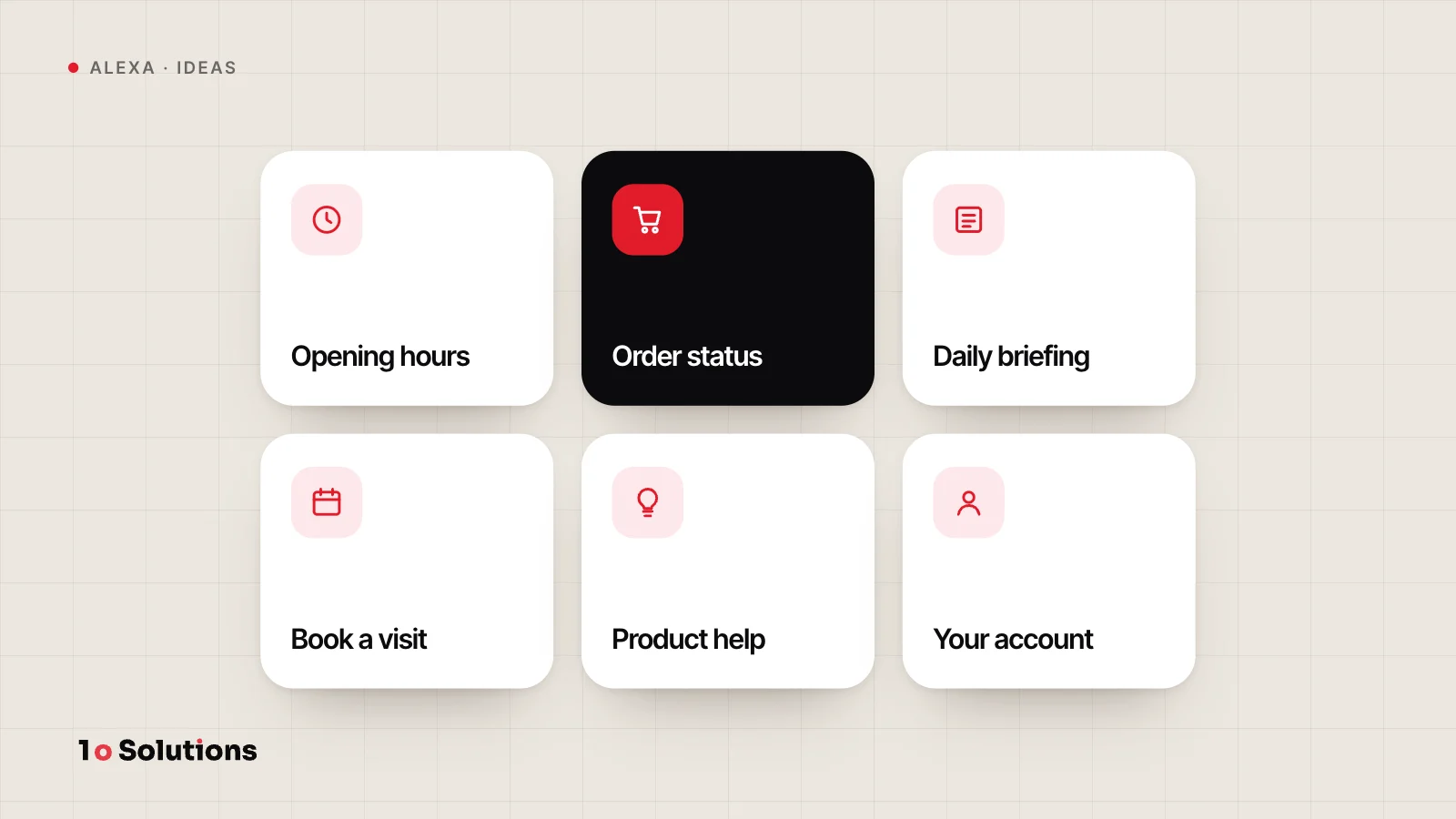
The best Alexa skill ideas for business answer one short question that people ask again and again: when do you open, where is my order, what is today's market note. Amazon has several skill types, and each fits a different job. Below are ten ideas grouped by type, with who each one fits, what it needs, and when you should skip voice.
Pick the skill type first
Amazon's Index of Skill Types lists the main kinds. These are the five we use below.
| Type | What it is for | What it needs |
|---|---|---|
| Custom skill | You design the whole voice conversation | An interaction model and code |
| Flash Briefing | News headlines and other short content | A feed you keep updated |
| Smart home | Controlling cloud connected devices by voice | Your device cloud, a Lambda function, account linking |
| Screen skill | Visuals and tap controls on devices with a screen | A custom skill plus layouts in Alexa Presentation Language (APL) |
| Account linking | Connects the customer's Amazon identity to their account in your system | A sign in service on your side that supports OAuth 2.0 |
Amazon also lists music, radio, podcast, video and game types. We come back to radio and podcasts near the end.
Custom skills
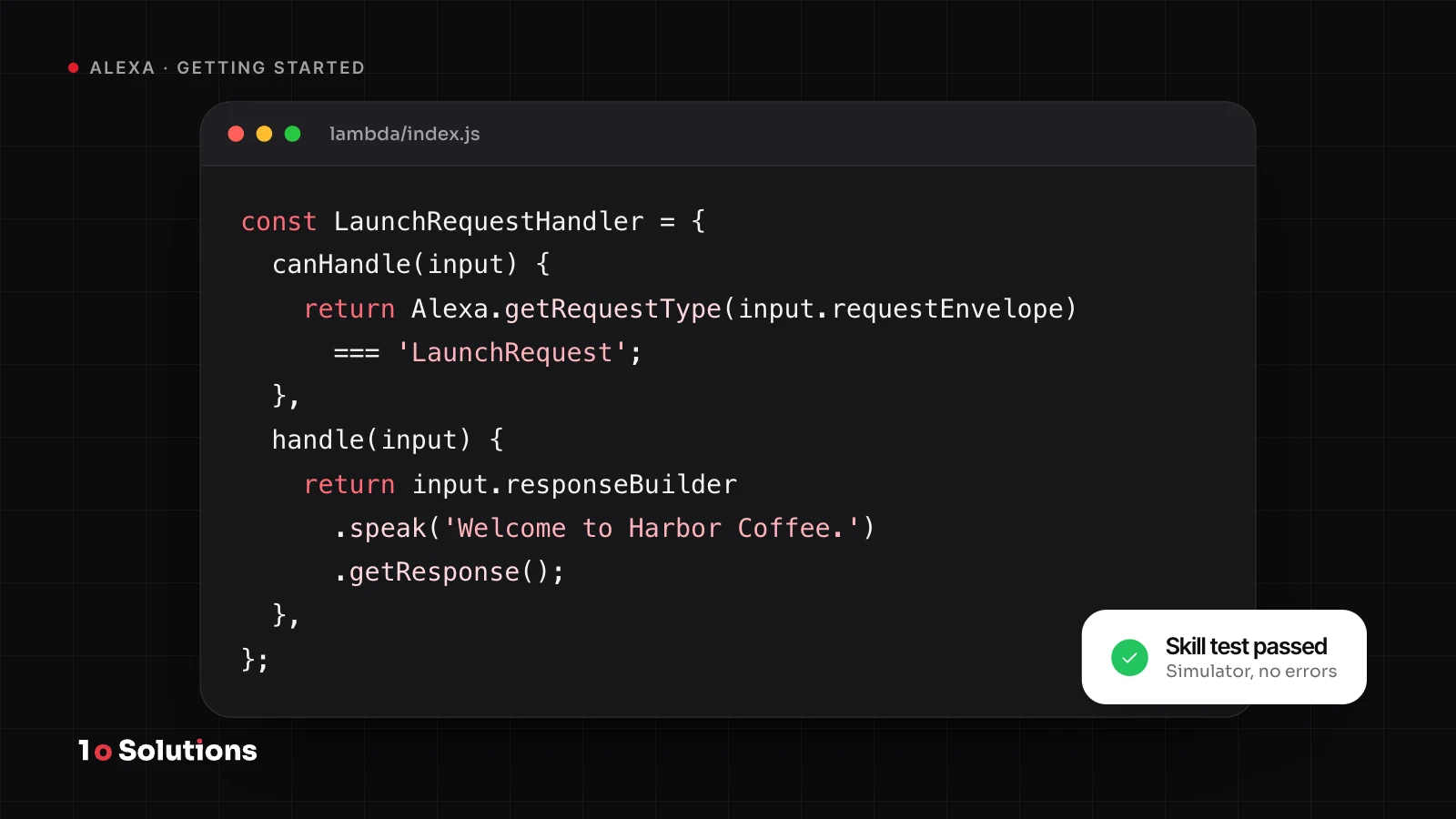
1. Business information and common questions. "Alexa, ask harbor dental what time you open on Saturday." This fits clinics, restaurants, gyms and shops with facts that rarely change. It needs a short list of answers you approve, plenty of sample phrases for each question, and an easy way to update your hours. No account linking is needed.
2. A booking or request helper. This fits salons, restaurants and repair shops that already have a booking system. It needs access to that system, a conversation that collects the date, time and name, and a confirmation step before anything is booked. It is the hardest of the three custom ideas, so build the information skill first.
3. A practice or coaching skill. Think of a language quiz, exam practice or a workout routine. This fits schools, tutors and trainers, because the customer's hands are busy and speaking is part of the practice. It needs a bank of questions or routines, and writing made for the ear.
Flash Briefing
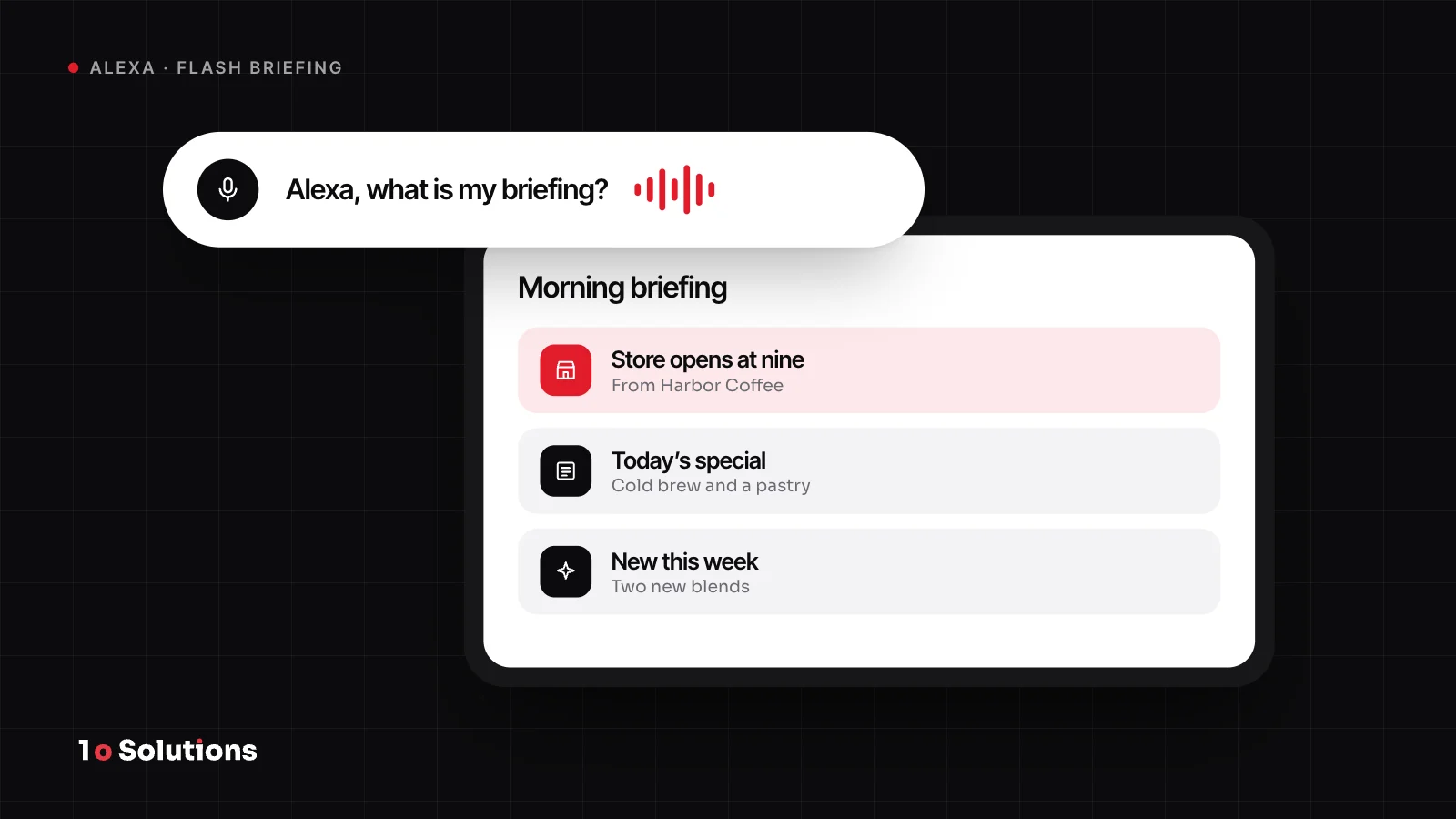
4. A daily market or news note. This fits news outlets, finance firms and industry publishers. Per Amazon's Flash Briefing page, you need original text or audio you have the right to share, in an HTTPS feed (RSS or JSON), updated at least daily.
5. A daily tip from your brand. One useful tip, about a minute long. This fits trainers, clinics, garden shops and software firms. It needs the same feed and a writing habit you can keep. Our post on the Flash Briefing slot covers how to sustain it.
The trade off is clear. Amazon says Alexa defines the voice interactions for a Flash Briefing through a ready made model, so you cannot design your own. You get a quick launch, but no conversation.
Smart home
6. A smart home add on for your connected product. Amazon calls it an add on, not a skill. It fits makers of lights, thermostats, locks, plugs and other cloud connected devices. It needs your device cloud, code in an AWS Lambda function that links Alexa and your devices, and account linking so Alexa knows the customer and their devices. If you do not want to run a cloud, Amazon points to Alexa Connect Kit.
Skills with a screen
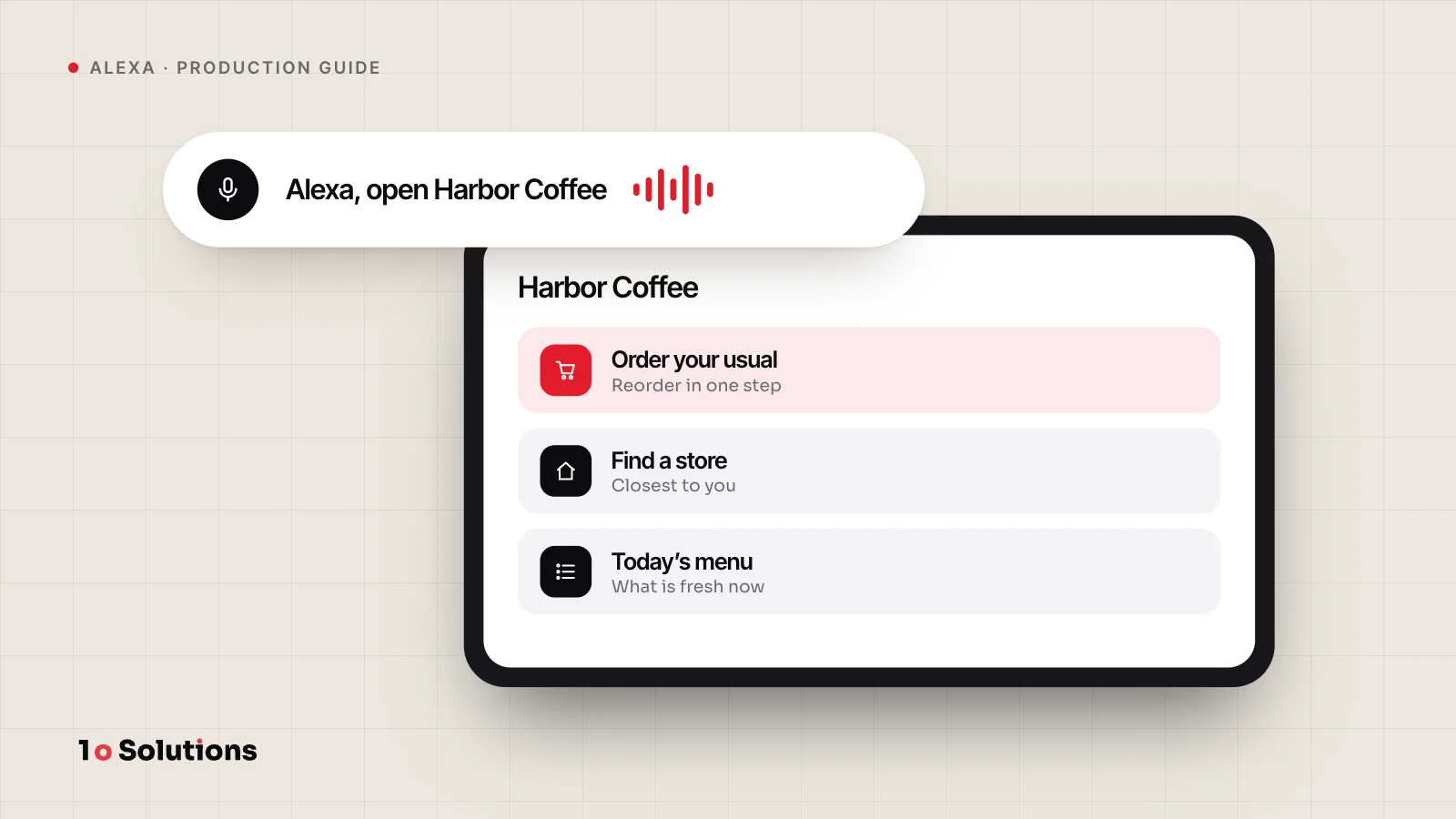
7. A visual menu or specials board. On an Echo Show, the customer sees photos of today's specials and can ask for an item on screen. APL supports voice commands as well as touch. This fits cafes, bakeries and shops with a small range. It needs APL layouts and good images.
8. A hands busy guide with pictures. Recipes, assembly steps, repair guides. Alexa speaks a step while the screen shows the picture. This fits food brands, furniture and DIY retailers, and fitness brands. It needs content cut into short steps, plus images.
Amazon describes screen content as complementary visuals and touch on top of voice. Design the voice part first so the skill also works on a speaker with no screen.
Account linking for personal data
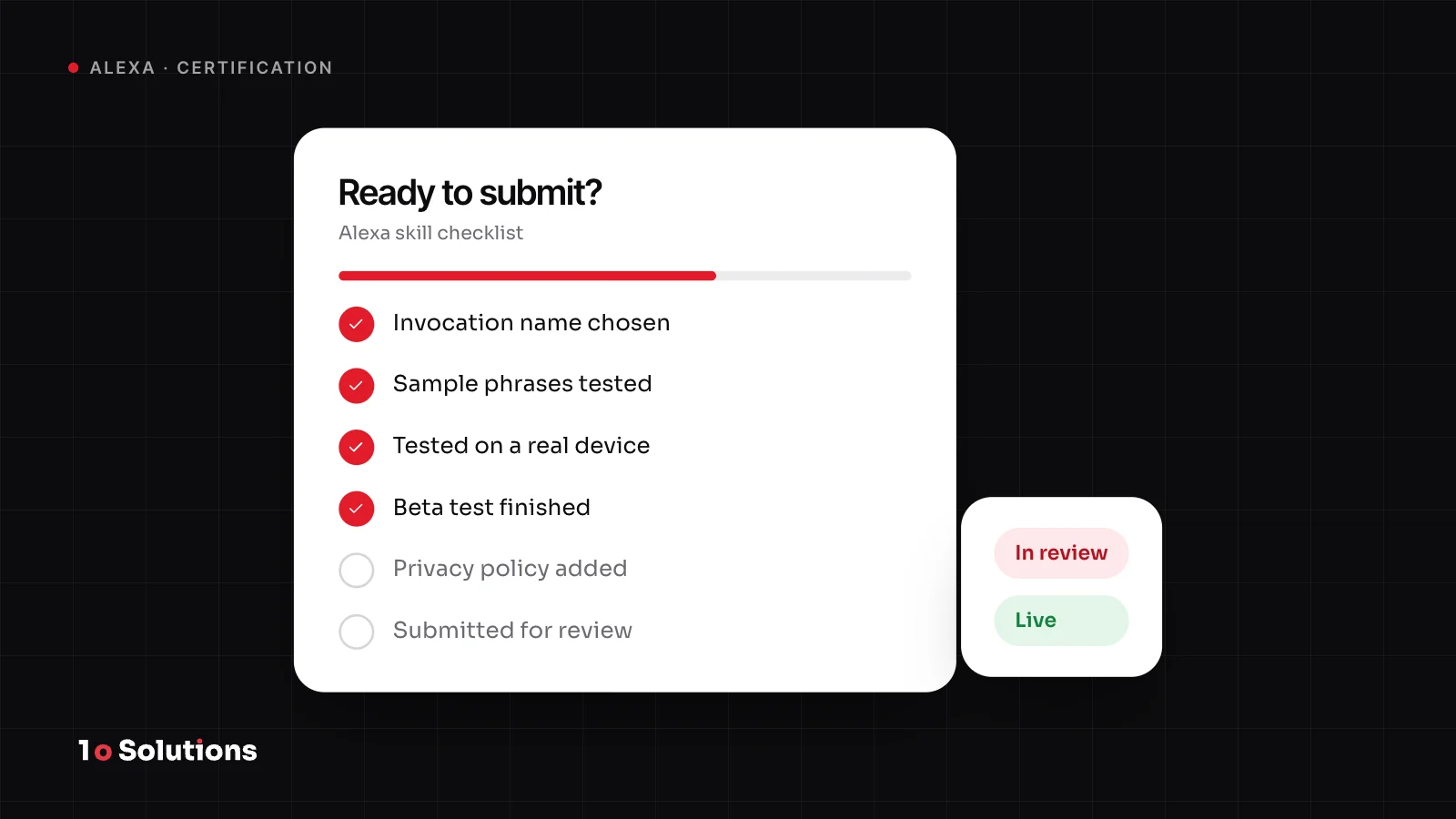
9. Order or delivery status. "Alexa, ask harbor shop where my order is." This fits shops and delivery businesses with an order system. It needs account linking, which uses OAuth 2.0, a read only view of the customer's orders, and a privacy policy link. Amazon requires that link when a skill uses account linking.
10. Next appointment, membership or loyalty points. This fits clinics, gyms and shops with loyalty schemes. It needs the same account linking and a careful choice of what Alexa reads aloud.
When voice is the wrong tool
Amazon's design principles say voice suits simple, repeated tasks with predictable conversations and short, specific answers. They give checking and paying a credit card bill as an example. They say customers probably will not prefer voice for tasks with dense information or lots of imagery, such as a large purchase. Low repetition, many complicated choices and high variety are also poor fits. For long lists, Amazon suggests touch.
Add our own checks:
- If a website or app does the job just as fast, voice adds cost and no gain.
- A custom skill opens when someone says its name. If customers do not know to ask for you, it will sit unused. Put the name on your site, receipts and packaging.
- If the answer takes more than a few sentences to say, it belongs on a screen.
Start with the smallest one
Pick the smallest idea that fits your customers, launch it, and listen to how people ask. Our Moksha Liberation case study shows an Alexa skill that grew into an iPhone app. Radio stations and podcasts have their own paths, which we cover in the radio station post and the podcast post.
Questions and answers
Which idea is the easiest to start with?
A Flash Briefing. You provide a feed of text or audio and Alexa handles the voice side. The cost is that you cannot design a conversation. A business information skill is the next simplest.
Will customers find my skill on their own?
Do not count on it. A custom skill opens when a customer says its invocation name, so tell them the name and the phrase to use. Put it on your website, receipts and packaging.
Do I need account linking?
Only when the skill must know who the customer is, such as for order status or loyalty points. It connects the customer's Amazon identity to their account in your system. You also need a privacy policy link.
Can a skill take payments?
Amazon has separate certification requirements for skills that allow purchases, and a voice code for purchases over 100 dollars. Treat payments as a later step, after a simple skill works.
Will it work on a speaker with no screen?
Yes, if you design the voice part first. Amazon describes screen content as complementary visuals and touch on top of voice. Do not make the skill depend on the screen.
Can I turn a radio station or podcast into a skill?
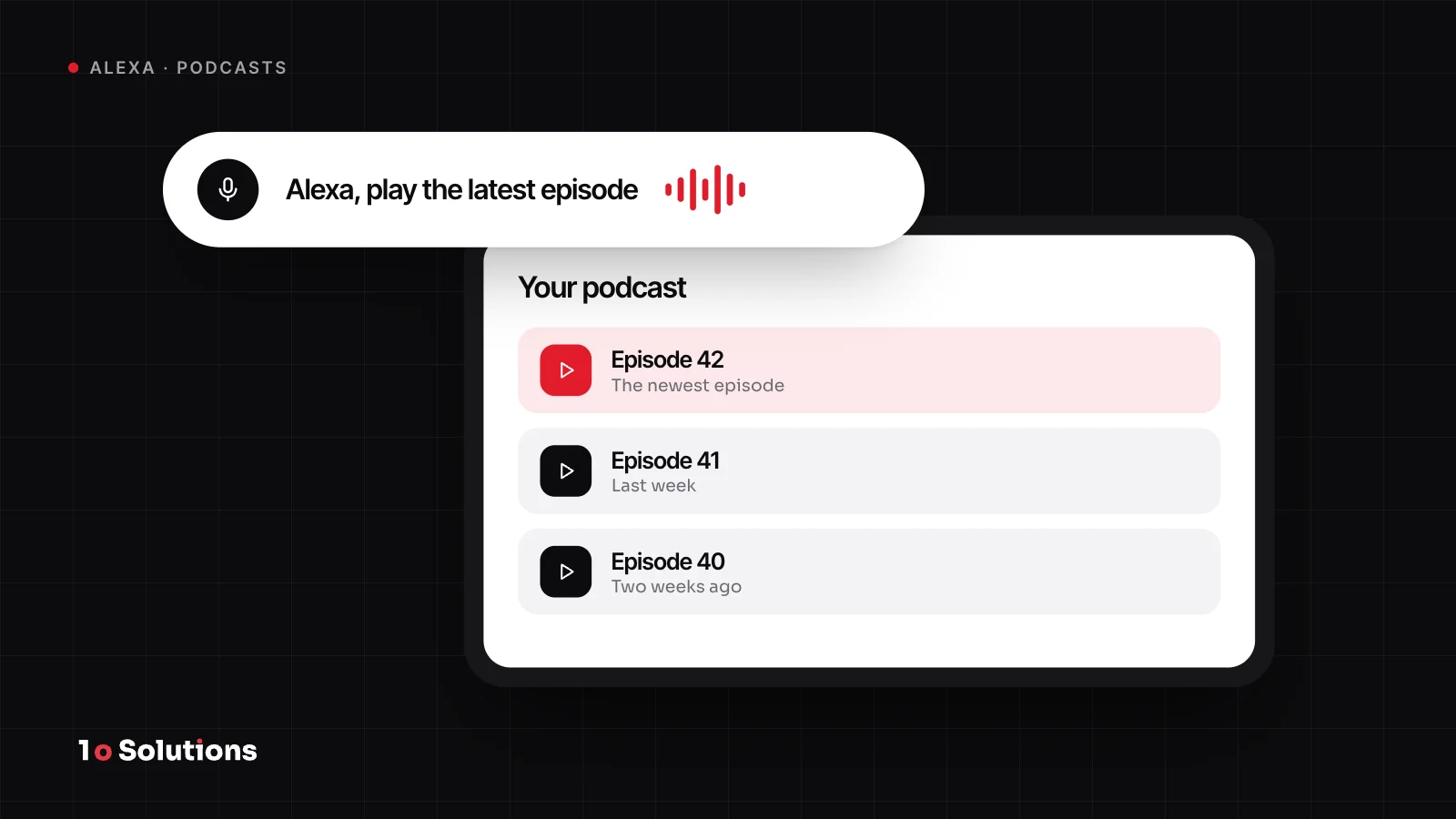
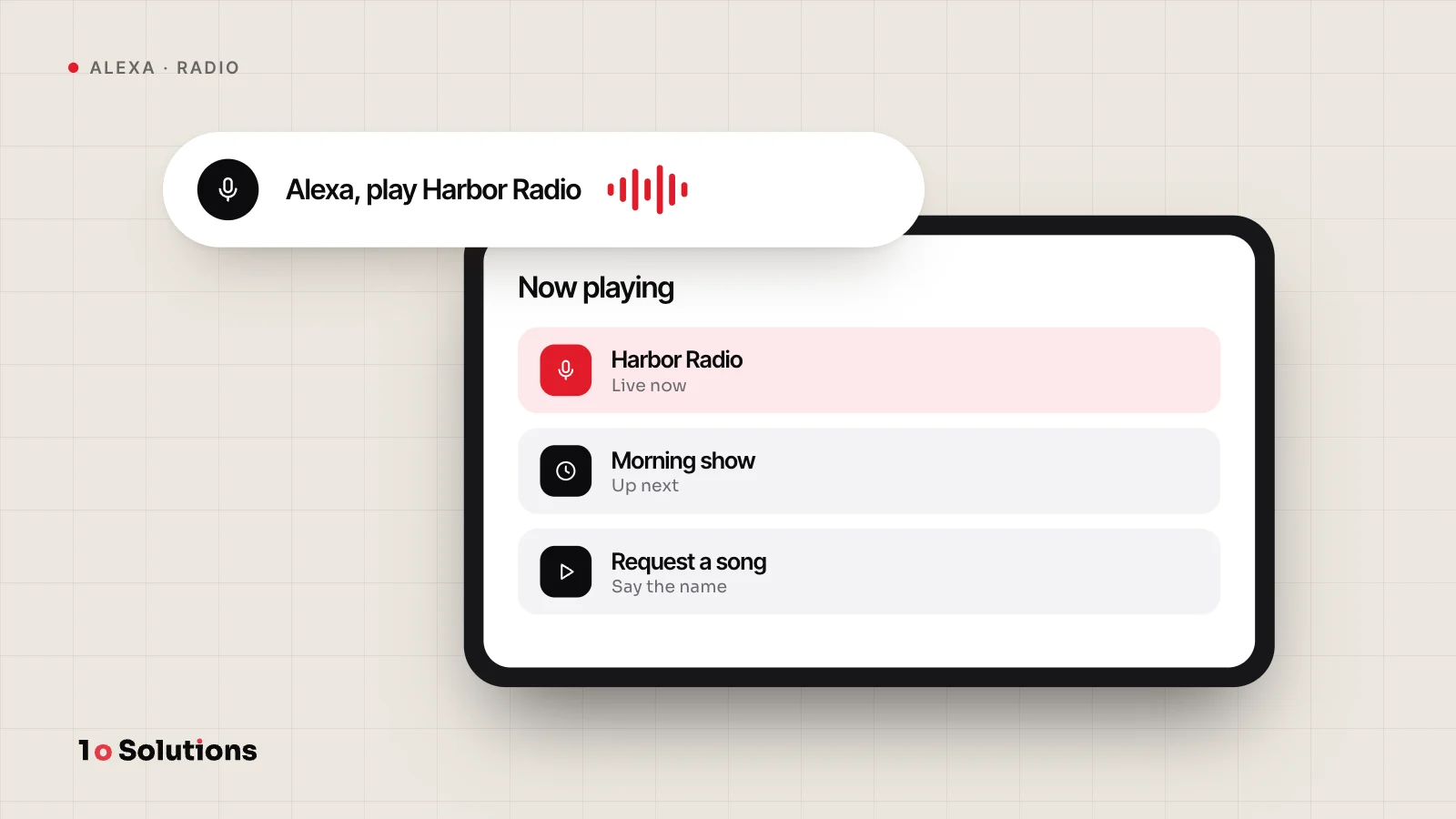
Yes. Amazon has a music, radio and podcast type, and radio providers can follow a no code process. See our posts on radio stations and podcasts above for the details.
References and further reading
- Index of Skill Types developer.amazon.com Amazon's list of skill types and what each one is for.
- Understand the Flash Briefing Skill developer.amazon.com What a Flash Briefing needs and how often it must update.
- Understand the Smart Home Skill API developer.amazon.com What a smart home add on needs: a cloud, Lambda and account linking.
- Alexa Presentation Language developer.amazon.com How skills add visuals, touch and voice commands on screen devices.
- Account Linking Concepts developer.amazon.com How a skill connects a customer's Amazon identity to your system with OAuth 2.0.
- Alexa Design Principles developer.amazon.com Amazon's advice on when voice is, and is not, the right choice.
If one of these ideas fits your business, see our Alexa skill development service and tell us which one. We will say honestly whether voice is the right tool.